Using Cloudflare to Build gh-proxy for GitHub Acceleration
In previous episodes, I’ve experimented with Qinglong Panel. However, when trying to pull GitHub repositories, you may encounter network issues leading to pull failures. Regular GitHub file downloads are also extremely slow. So I used the free Cloudflare to build gh-proxy for GitHub acceleration.
I. Prerequisites
You need to prepare a Cloudflare account and a domain name (optional) in advance. For free domains, you can refer to the previous article ‘免费申请注册eu.org二级域名’
II. Deploy gh-proxy
Log in to Cloudflare (https://dash.cloudflare.com/),转到Workers和Pages,概述,点击创建应用程序
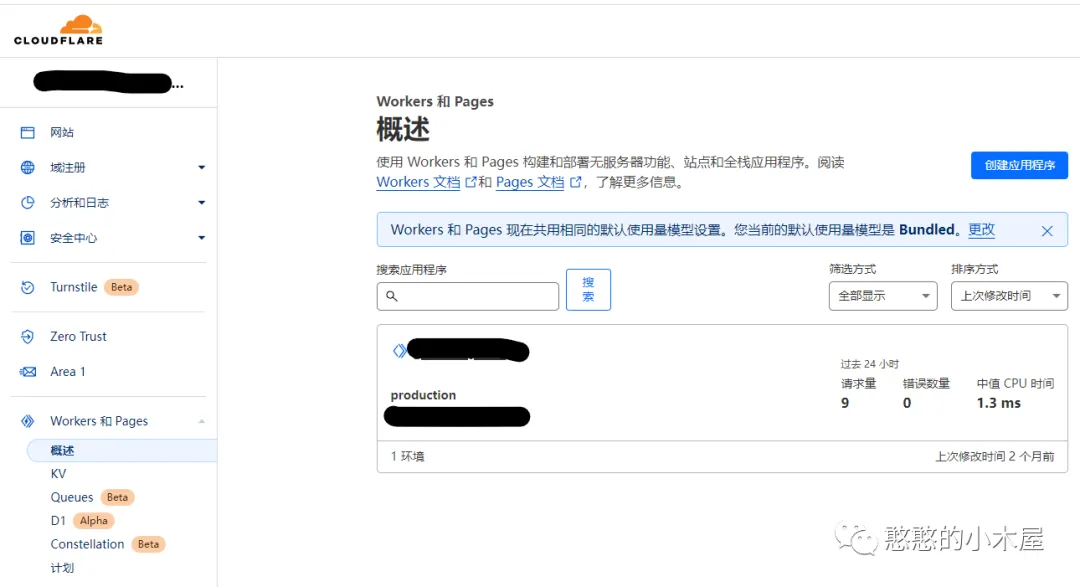

Click Create Worker, modify the name as needed. You’ll also receive a xxxx.xxxx.workers.dev domain (access this service through this domain). Click Deploy.
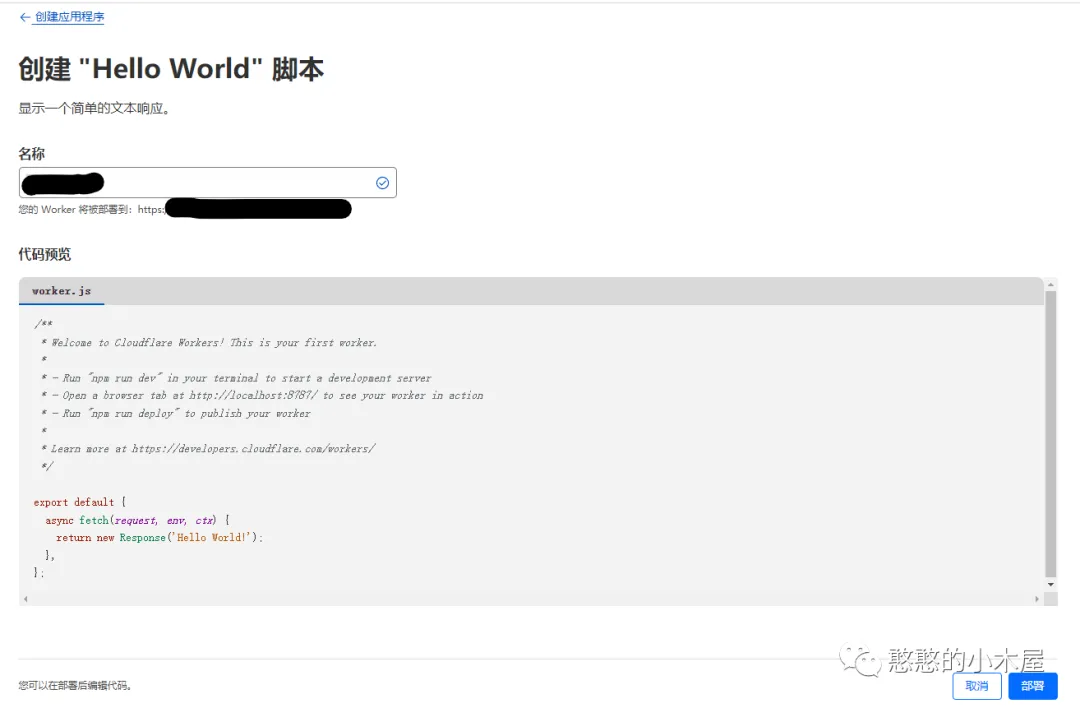
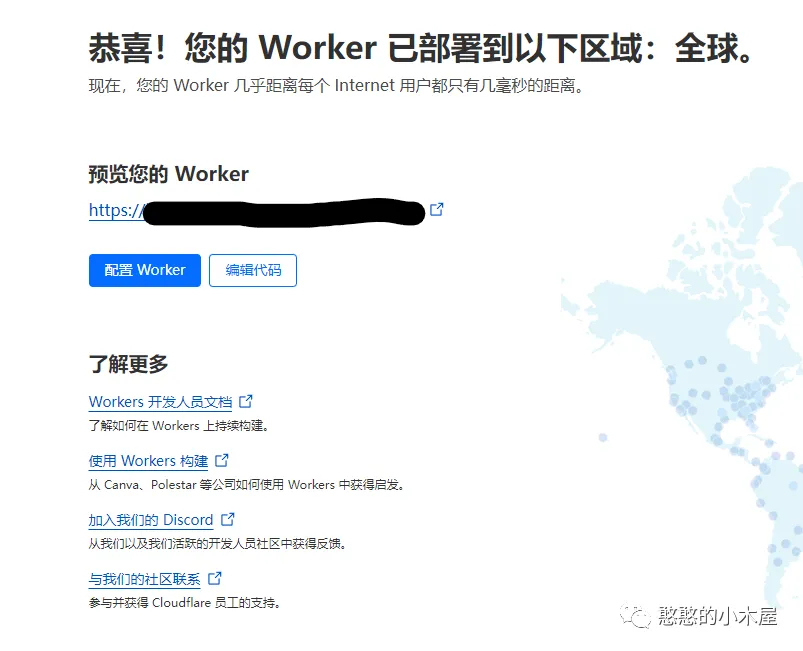
After completion, click Edit code to edit the js.
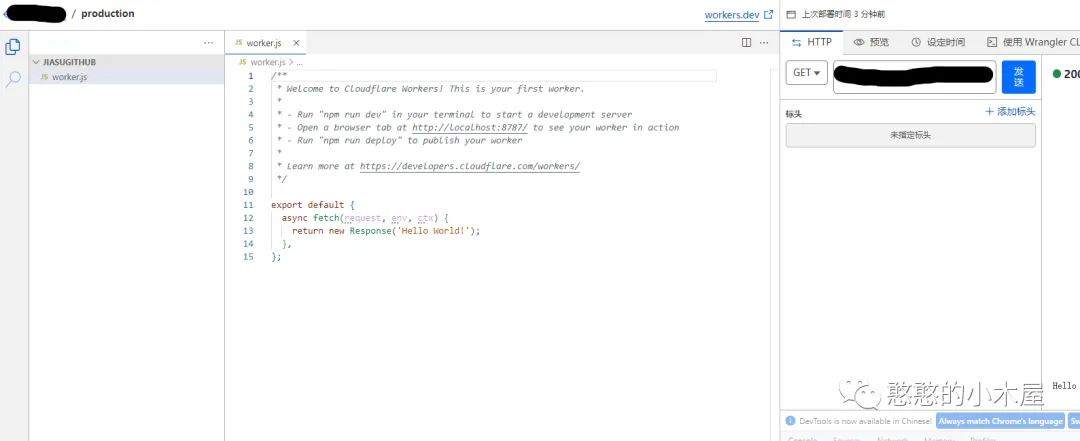
Delete the existing content, copy this js (https://cdn.jsdelivr.net/gh/hunshcn/gh-proxy@master/index.js)所有内容到框内,点击右上方保存并部署即可。
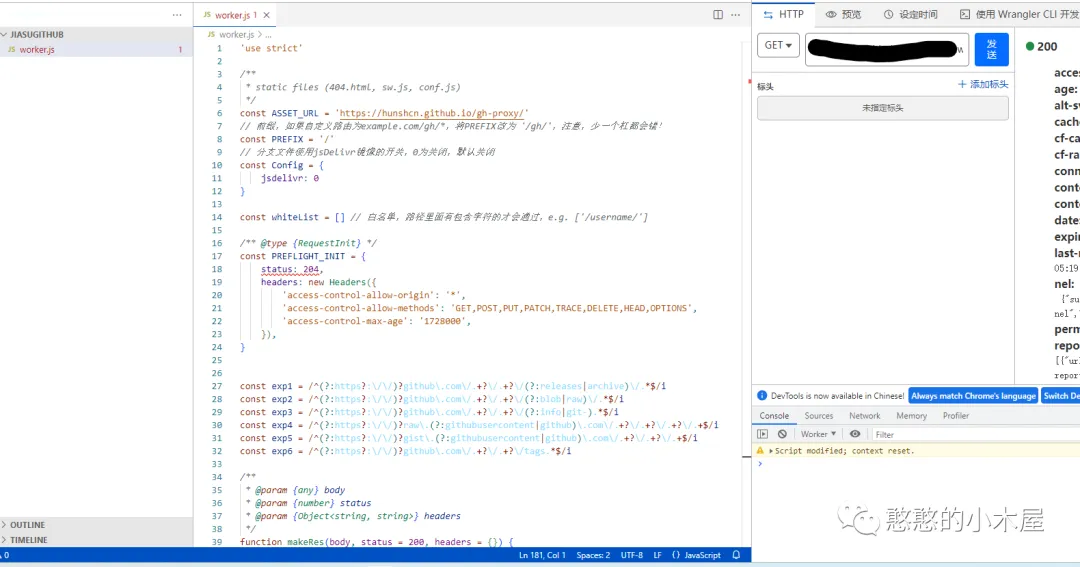
Now you can access the xxxx.xxxx.workers.dev that was just created to accelerate GitHub downloads. However, this domain is too long and inconvenient to remember. You can also add your own domain for easier use.
III. Bind Domain (Optional)
Go to Workers and Pages - Overview - Your deployed Worker - Triggers, click Add Custom Domain, enter your own domain (must be complete, e.g., github.example.com), click Add Custom Domain.
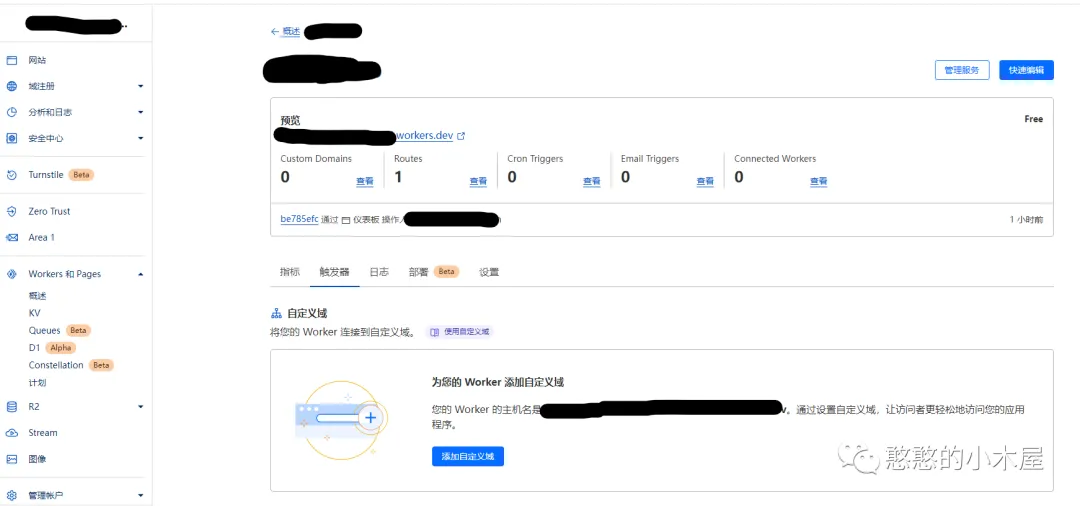
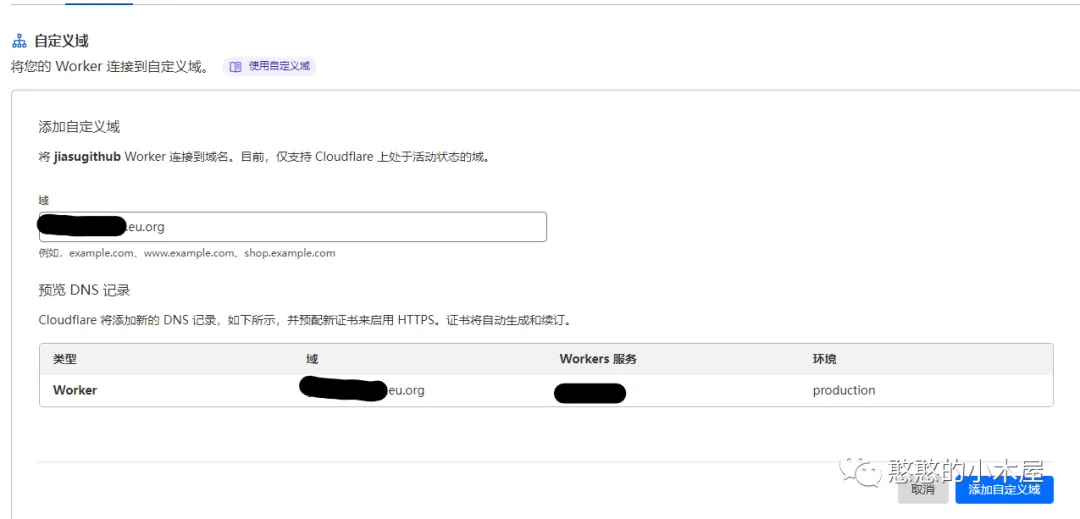

Now you can access it by entering your own domain (github.example.com) in the browser.
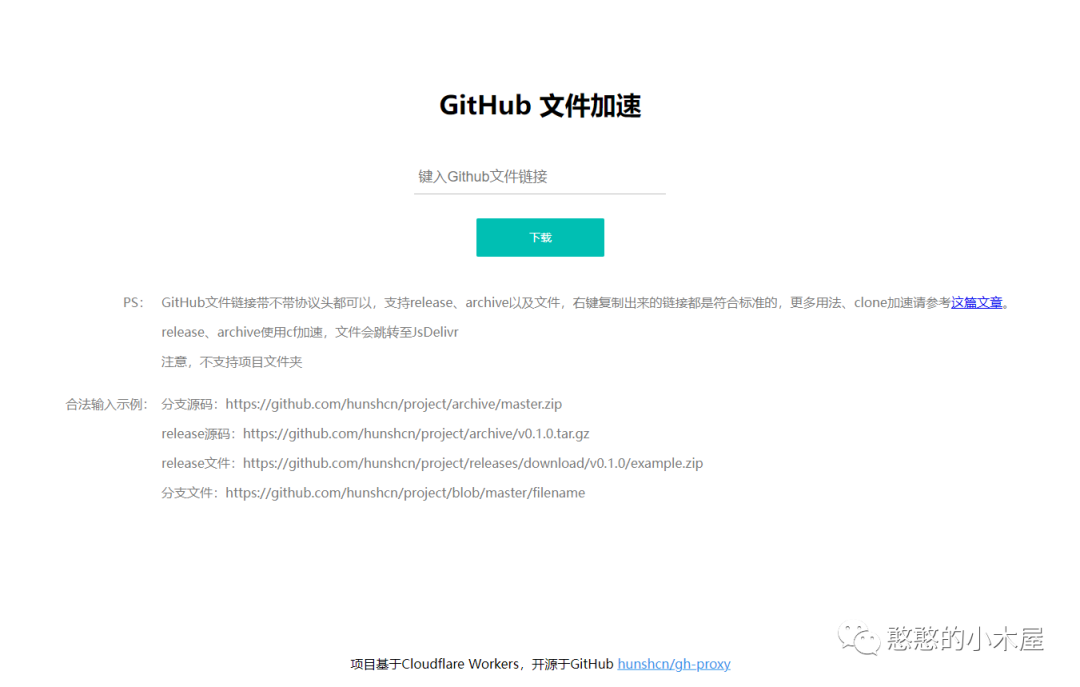
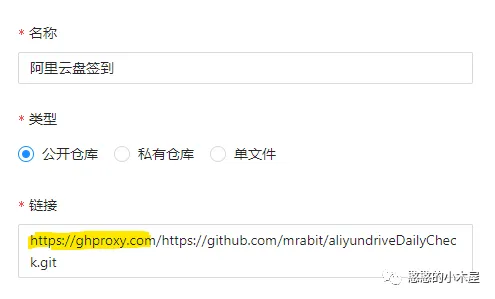
To download files, simply prepend your domain to the link, or download via the web. For Qinglong Panel subscriptions, just add your own domain to accelerate pulling GitHub repositories.
Note: Workers provide a total of 100,000 free daily request quota. Ordinary users are unlikely to exhaust this, but to prevent abuse, it is still recommended to add route and rule restrictions to limit others from using it.
Author’s GitHub: https://github.com/hunshcn/gh-proxy