How to Install HACS in Home Assistant
If Using a Virtual Machine Environment (Home Assistant OS)
- Go to the
Supervisorpanel - Install an SSH add-on (enable advanced mode in your user profile first)
- Configure the selected SSH add-on
- Start the SSH add-on
- Connect to the SSH add-on
- Run the HACS installation script
wget -q -O - https://hacs.xyz/install | bash -
Initial Configuration
Go to Configuration in your Home Assistant interface, then click Integrations.
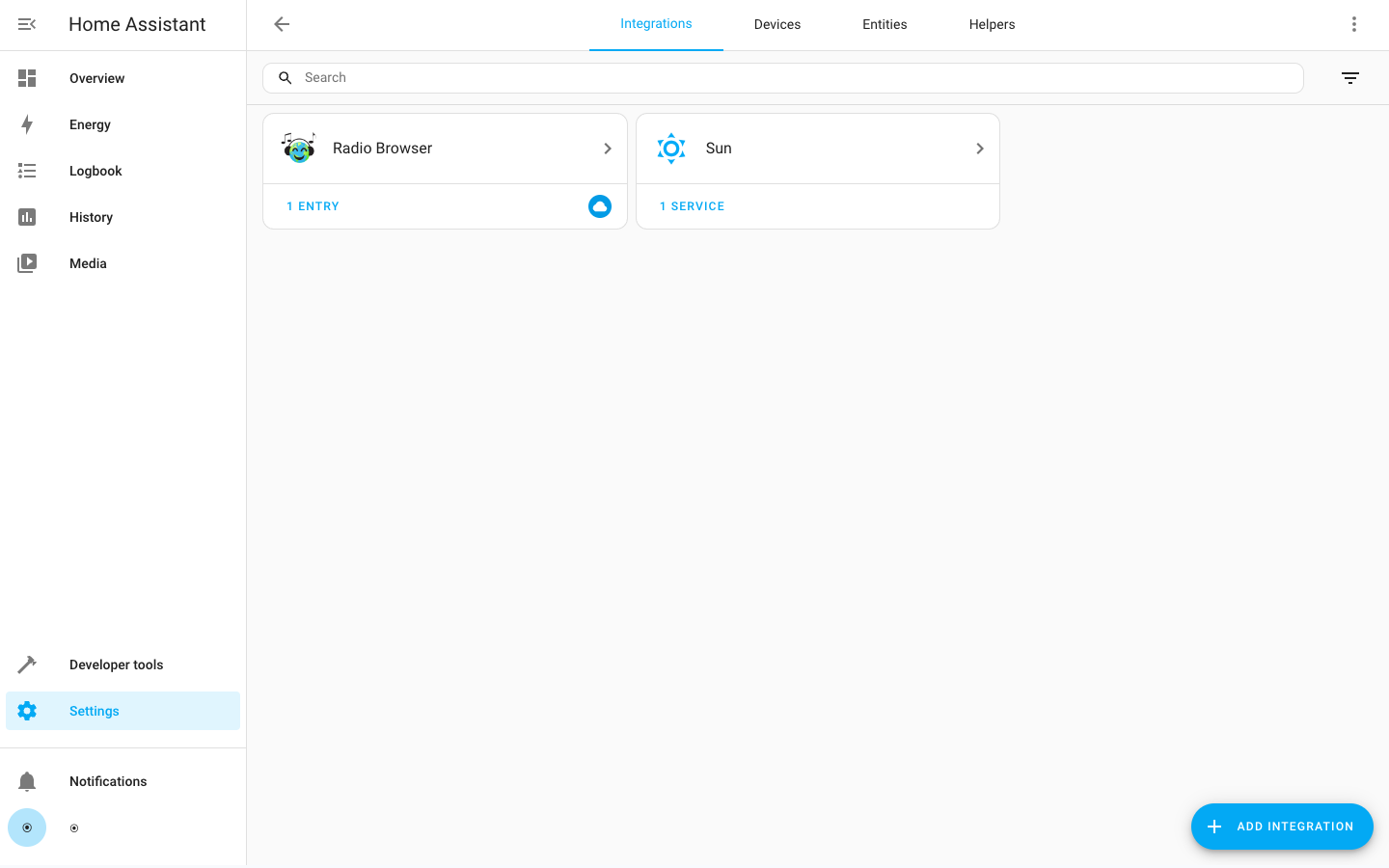
Clear Browser Cache
- You need to clear your browser cache before HACS appears in the list.
Warning: You actually need to do this, don’t skip it.
Click the “+” Button in the Lower Right Corner
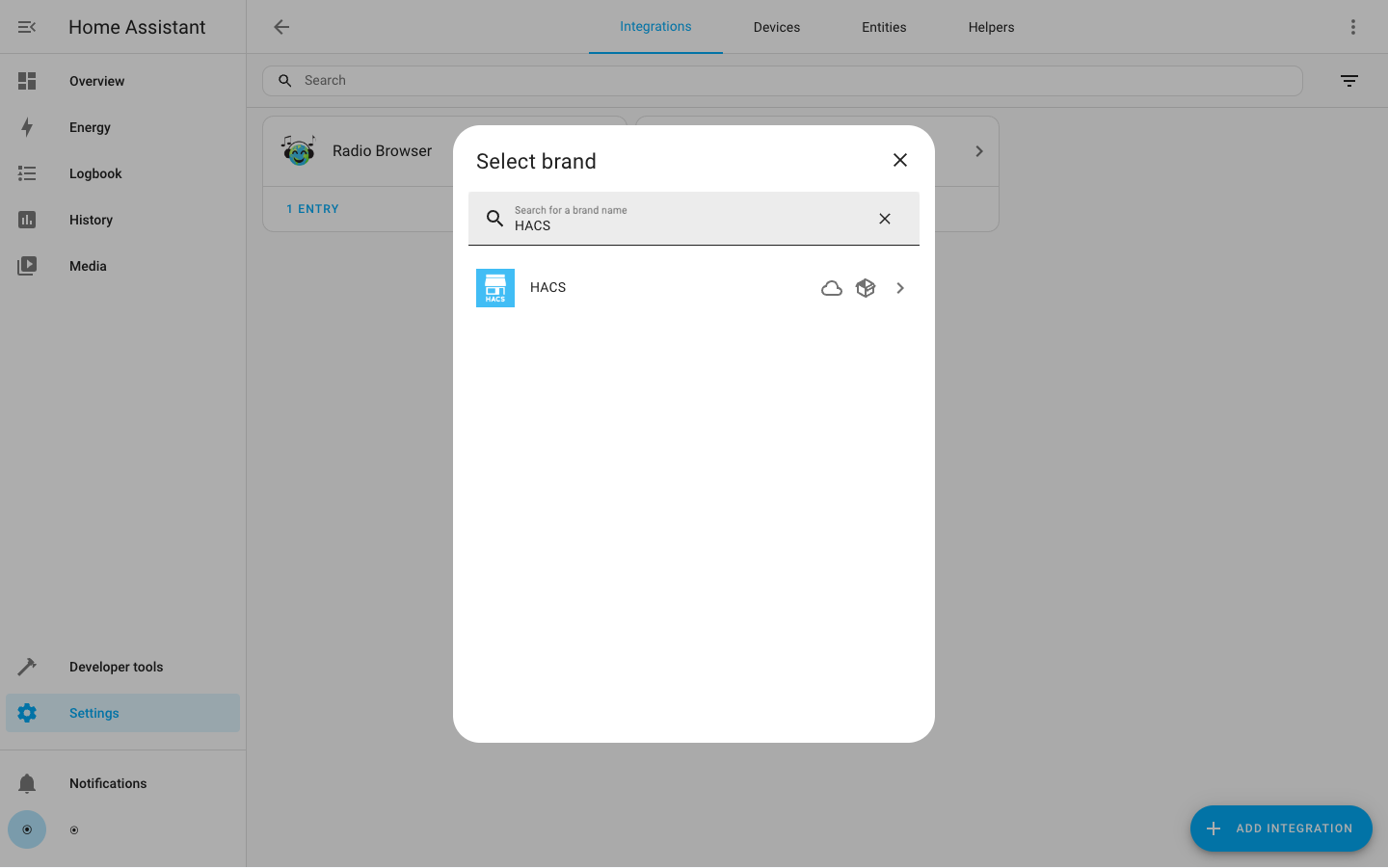
Search or Scroll Down to Find “HACS”, Then Select It
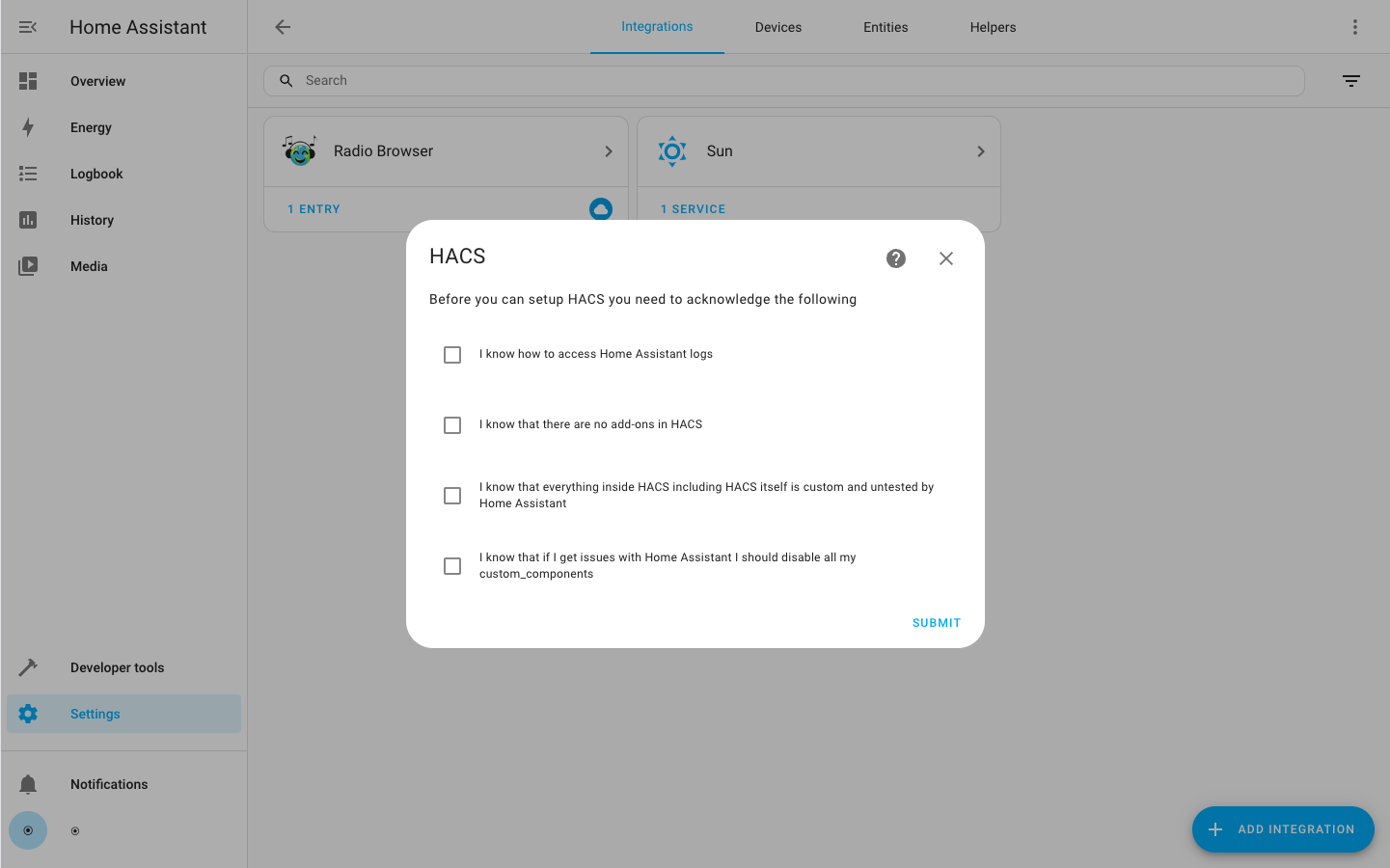
Information You will see this message when Home Assistant is installing the requirements for the integration.

If it takes more than 10 minutes, there may be a problem with the Home Assistant installation.
Accept Terms of Use
None of these items are optional, you need to accept all of them to set up HACS.
Device Registration
- HACS uses the device OAuth flow to authenticate with the GitHub API.
- If you don’t want to do this, you can use a personal access token to configure HACS using YAML.
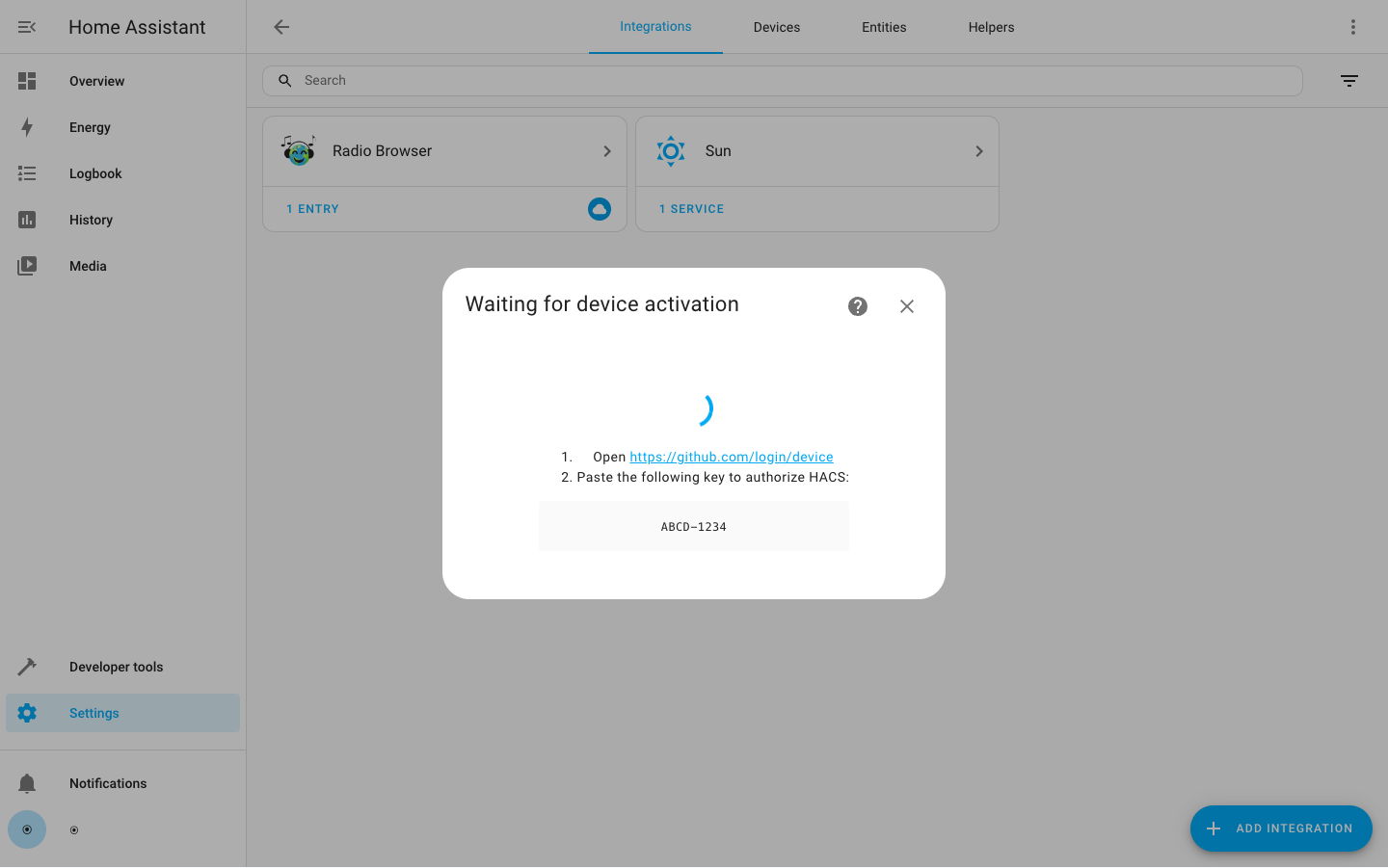
On the first screen, you are shown a device code. Copy it to your clipboard and then click https://github.com/login/device to continue setup.
Do not click Submit yet!
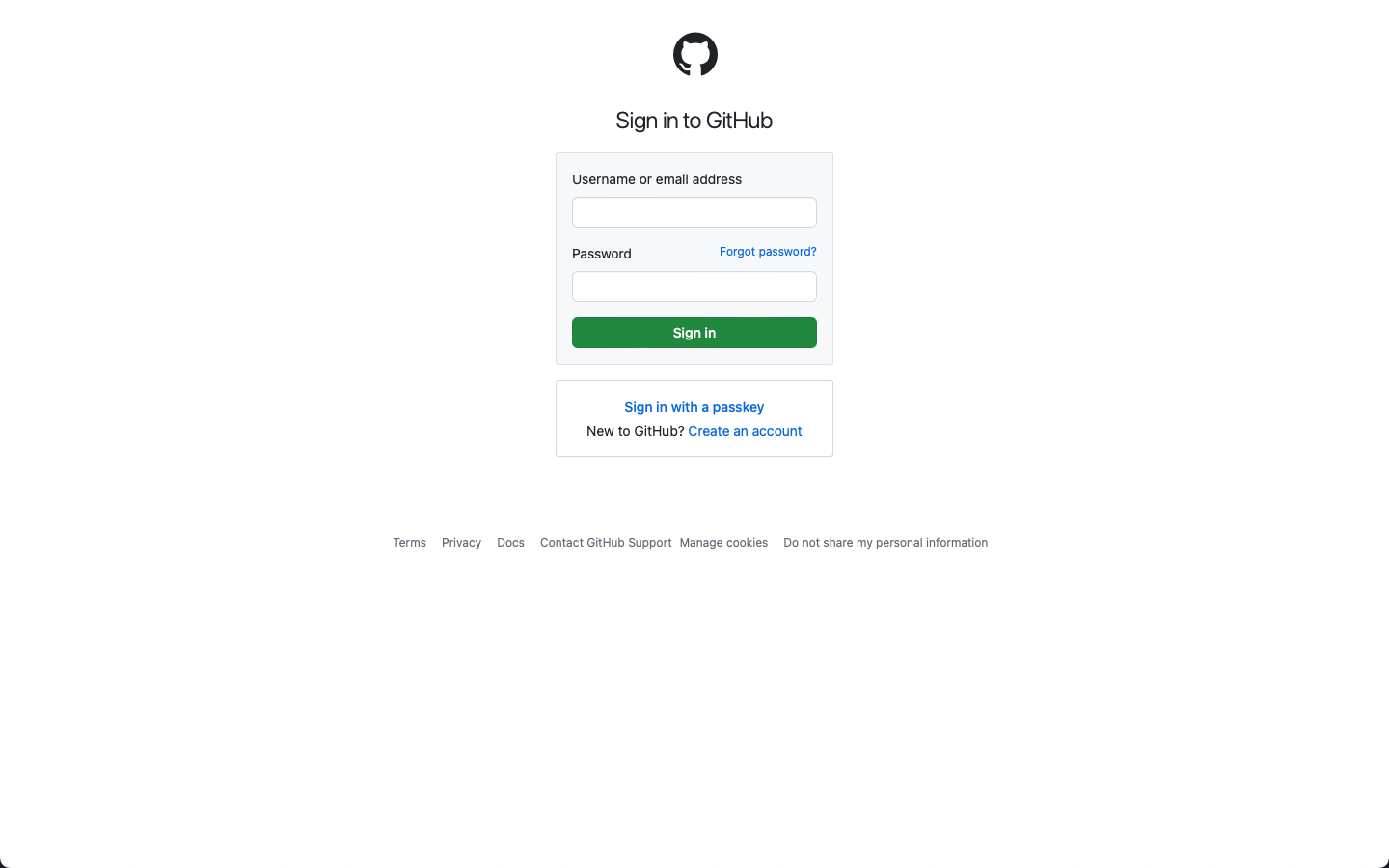
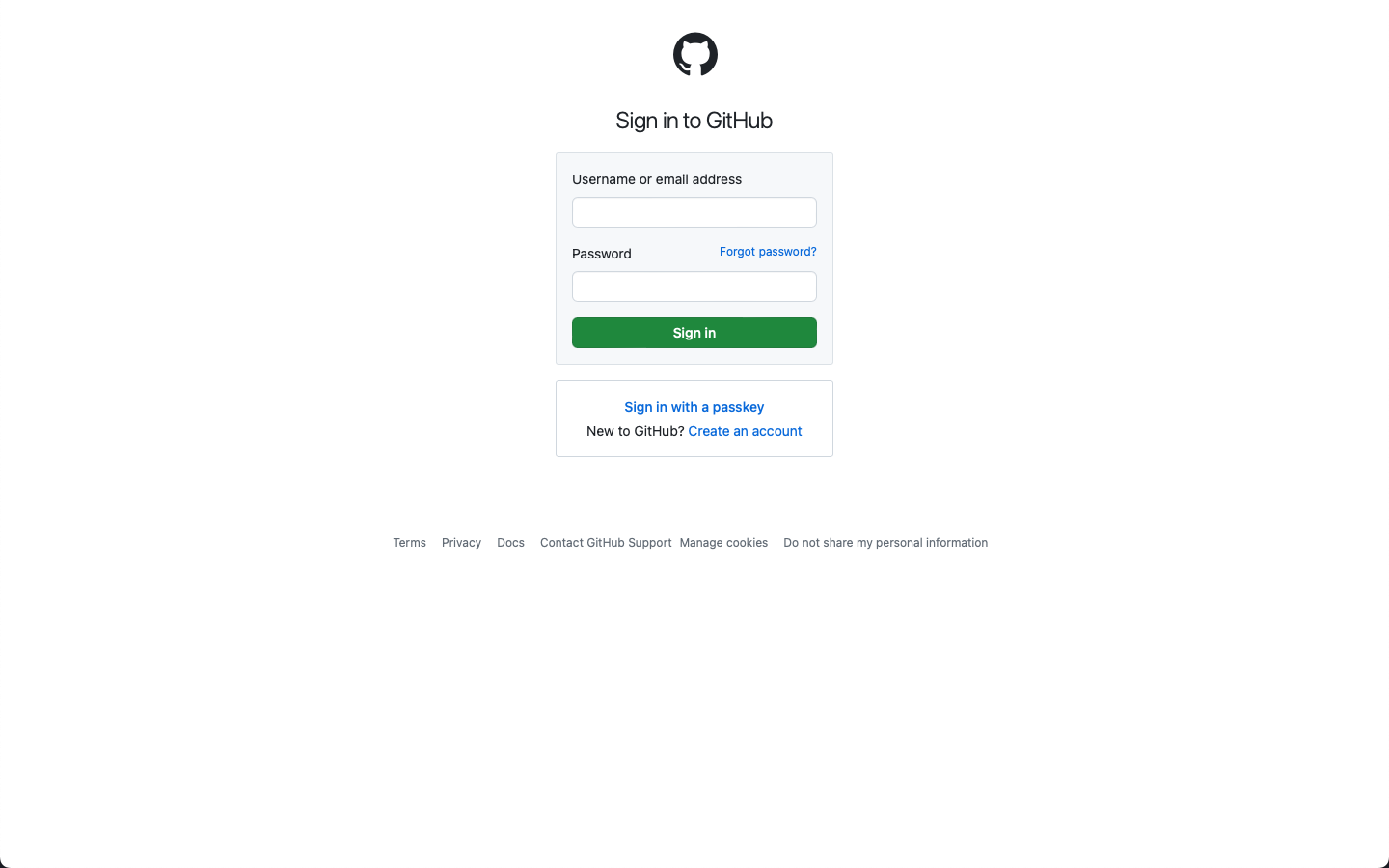
If you are not already logged into GitHub in your browser, you need to register or log in now to continue setup. If you are already logged in, you can skip this part.
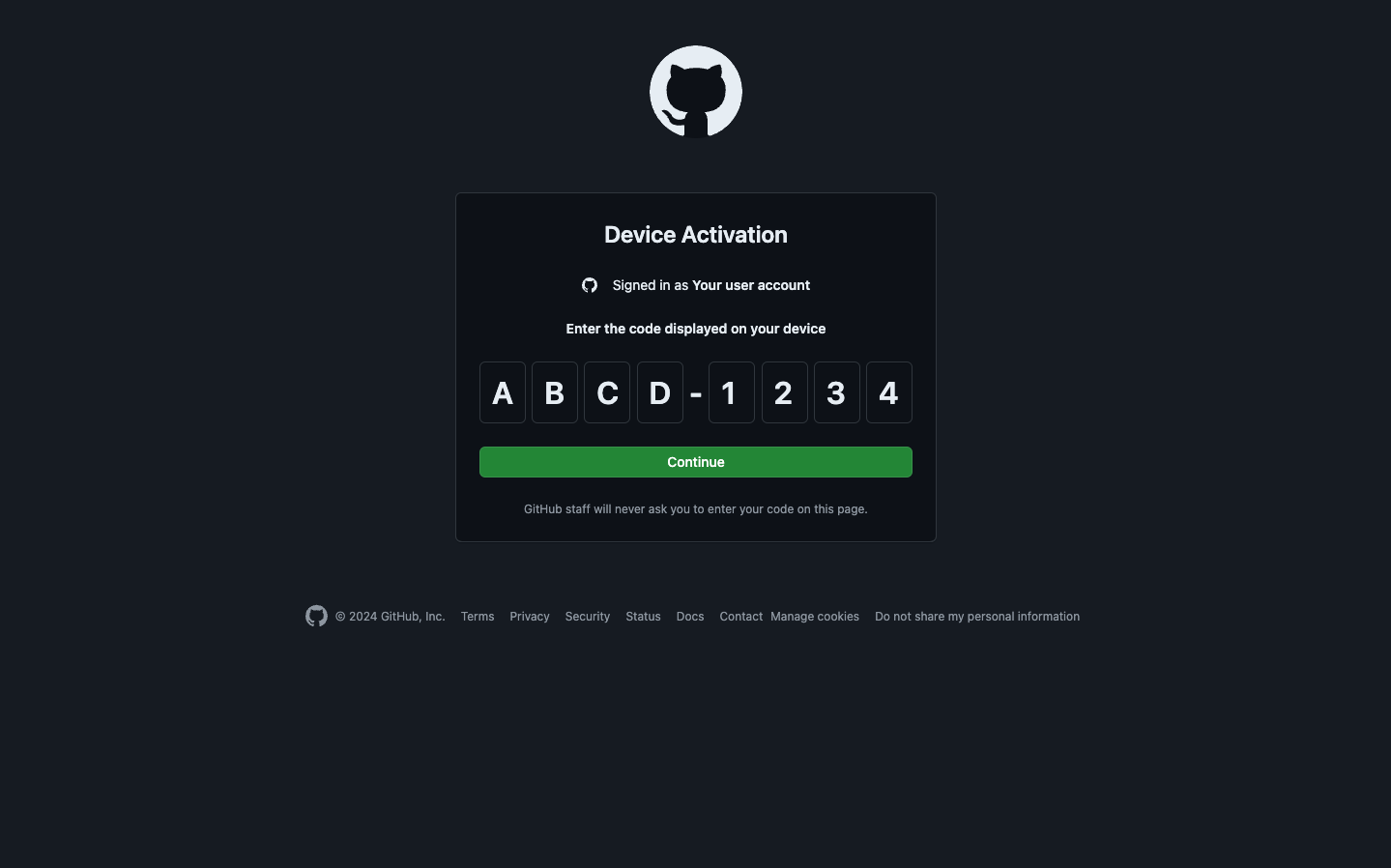
After the page loads, paste or type the device code shown to you in the previous step.
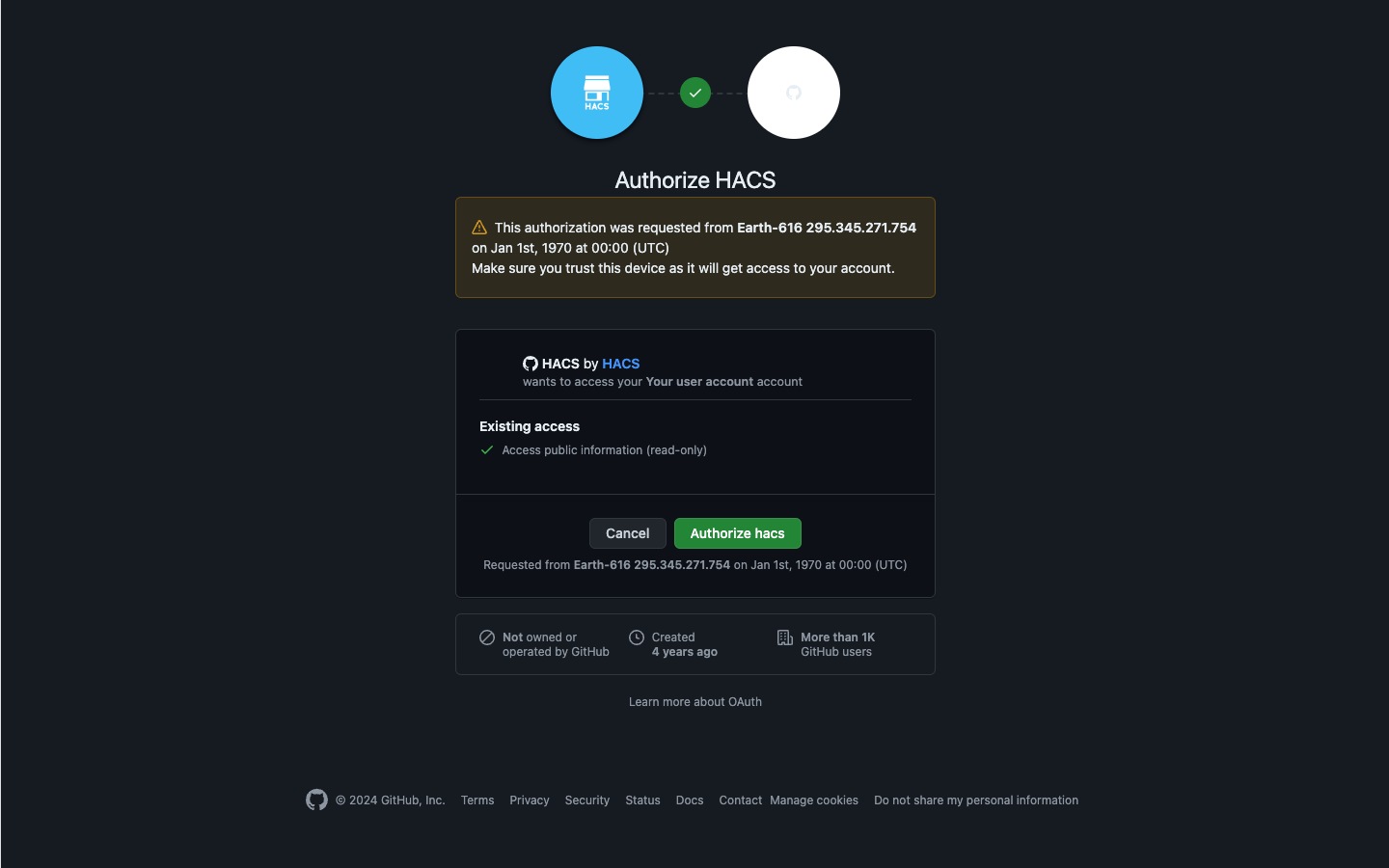
Click “Authorize hacs” here.

After seeing the confirmation screen, you can close the tab and return to Home Assistant.
Now you can click “Submit” to complete the HACS configuration.
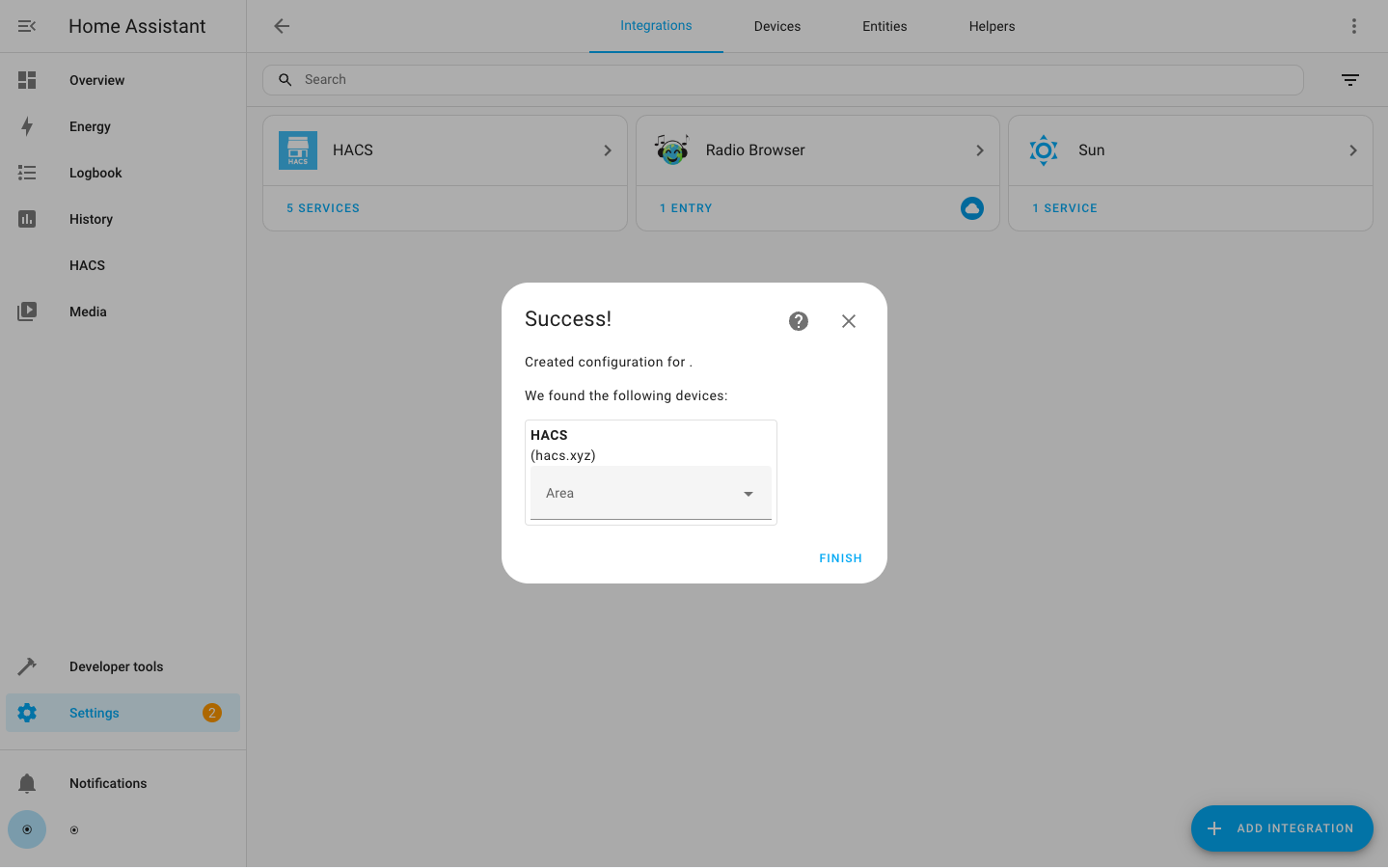
If it fails, you will be returned to the “Add Configuration” step
Changing Configuration
If you need to change the configuration, you first need to remove the integration from the integrations list, and then you need to add it back again.
Reference Articles
https://hacs.xyz/docs/installation/installation https://hacs.xyz/docs/configuration/basic https://www.163.com/dy/article/G07BFS0L0550UP9P.html https://www.home-assistant.io/integrations/xiaomi_miio/#retrieving-the-access-token https://github.com/PiotrMachowski/Xiaomi-cloud-tokens-extractor