N5105 Promox VE 8.2 version, solving the problem of frequent virtual machine crashes
1. Problem background
Recently, major PT websites were developed and registered on May Day, so I registered several websites, and then downloaded and uploaded them like crazy in order to complete novice tasks. As soft routers, N5105 and iKuai, when under high load for a long time, the virtual machine crashed randomly, and the CPU remained at 100% for a long time. The virtual machine could only be killed and restarted, which greatly affected the completion of novice tasks. After crashing several times, I finally couldn’t stand it anymore. I looked at colleagues online and found that there are many similar problems.
The following is a description of the problem from other CSDN colleagues:
Use N5105 as the server of HomeLab; for the previously installed ESXi, when using Ubuntu 22, the Ubuntu CPU usage often reaches 100% and then crashes; but other virtual machines have no problem, because I am not familiar with Linux, and there is no abnormality after checking the ESXi and Ubuntu logs; the subsequent installation of Black Group has always failed, so I switched to Proxmox VE
After switching to PVE, the same problem still existed. I thought it was a service problem, so I added resource restrictions to the Docker container. After it failed, I migrated to CentOS deployment, and found that the same problem still existed; and it became more and more frequent, from once a day to once every few hours, making it almost unusable.
I guessed it might be a hardware problem. After searching, I found that it is a common problem on N5105.
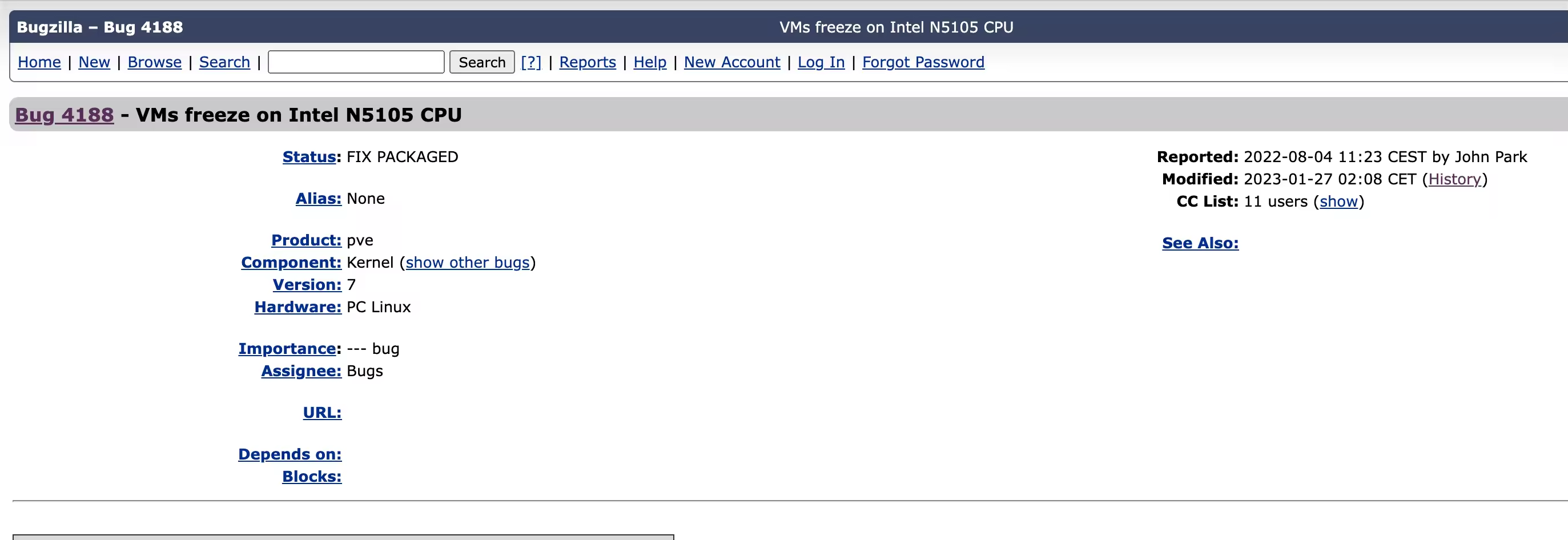
This issue was submitted in the Proxmox issue feedback on 2022-08-04: Bug 4188 - VMs freeze on Intel N5105 CPU, in the description “Some users running Intel N5105 CPU noticed that the virtual machine running on Proxmox froze, and recorded various errors. The virtual machine froze, the console could not be entered, and the CPU utilization reached the maximum value until the virtual machine was forced to restart.” The phenomenon is the same as what I encountered, indicating that this phenomenon is a common problem;
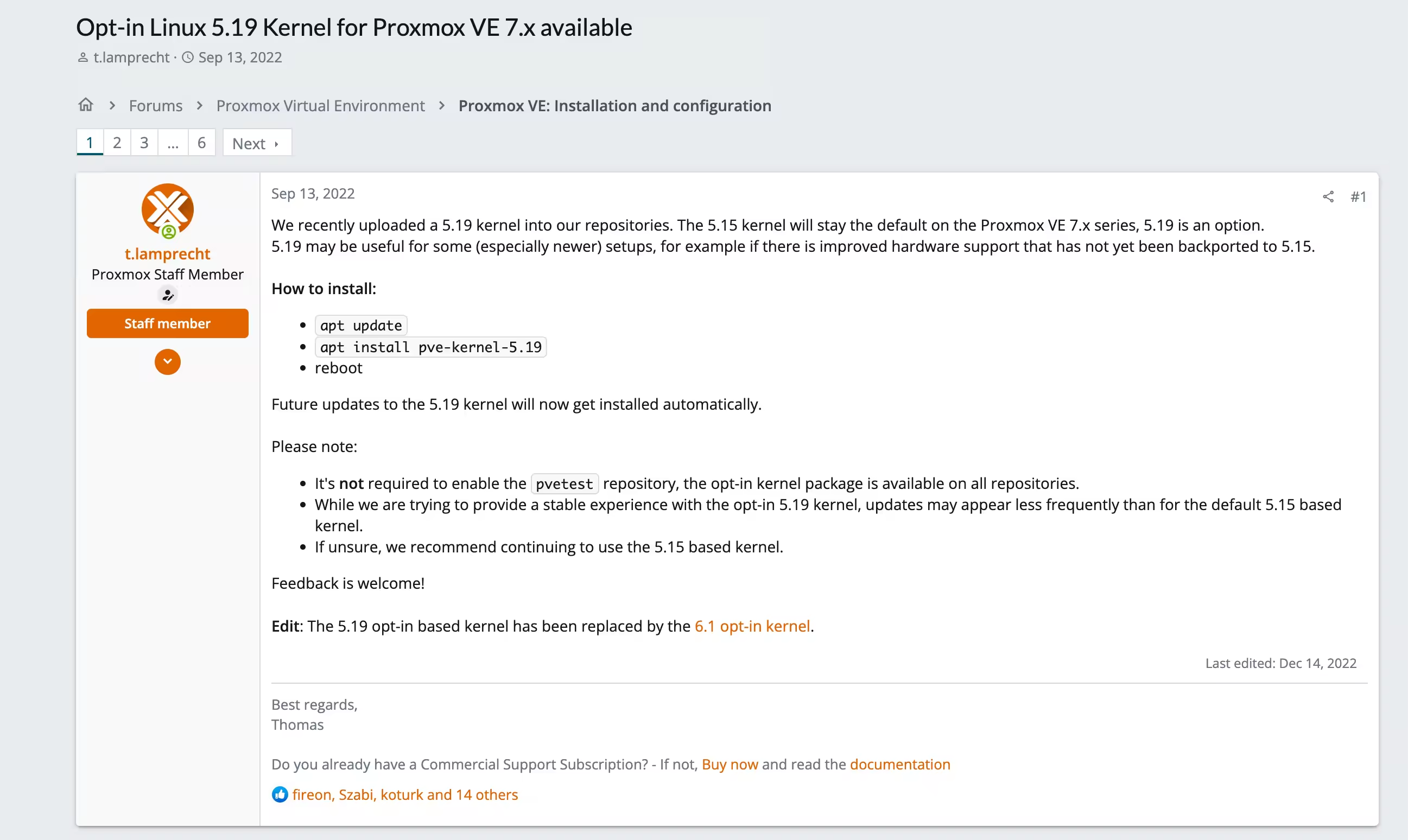
2022-9-13 In the post Opt-in Linux 5.19 Kernel for Proxmox VE 7.x available, PVE employees announced that they would upgrade the PVE kernel to version 5.19. Many people confirmed that it was effective in the bug feedback discussion.
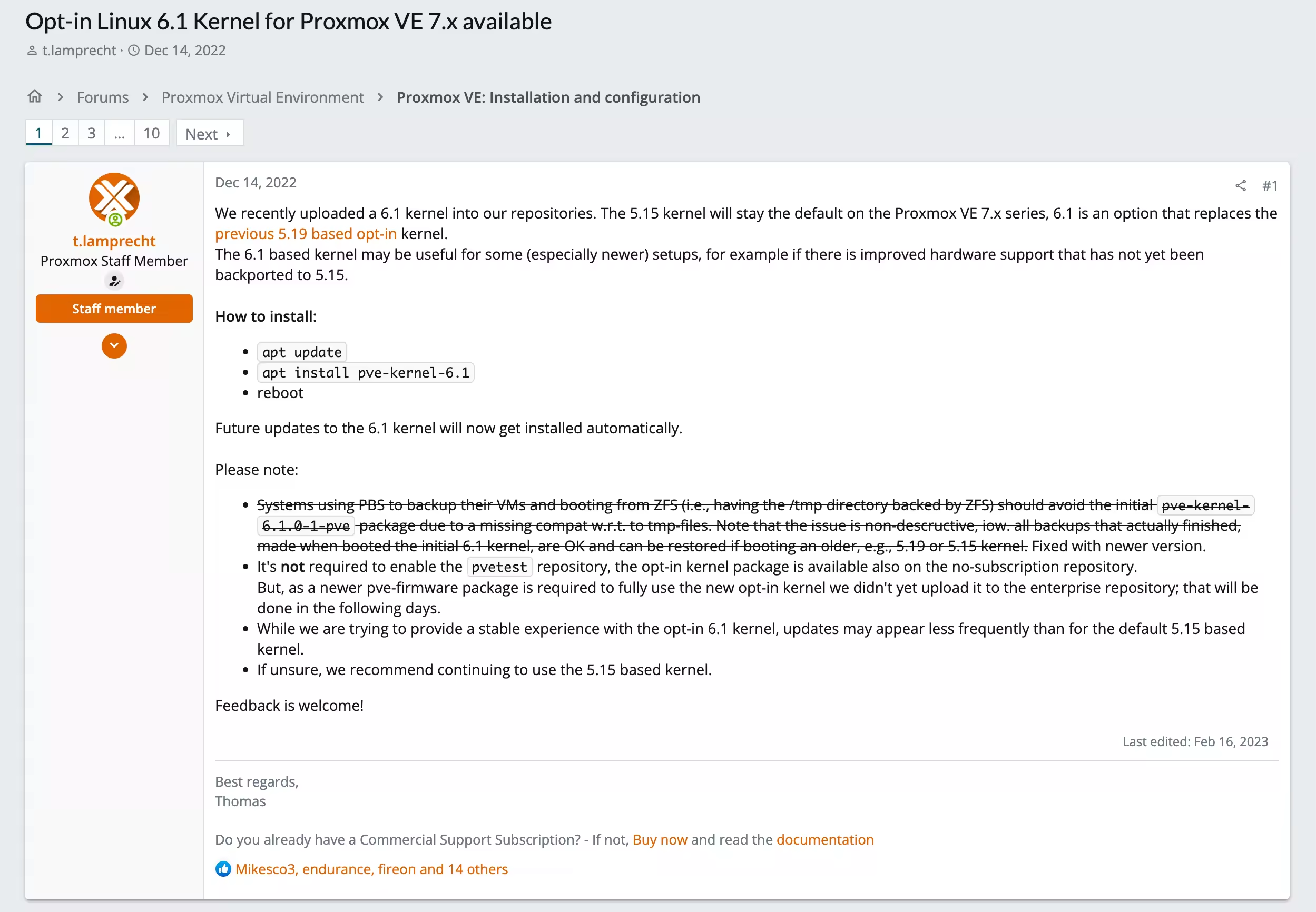
The status of this issue was changed to ‘FIX PACKAGED’ on 2022-12-06; on 2022-12-14, PVE staff announced support for upgrading the kernel to 6.1
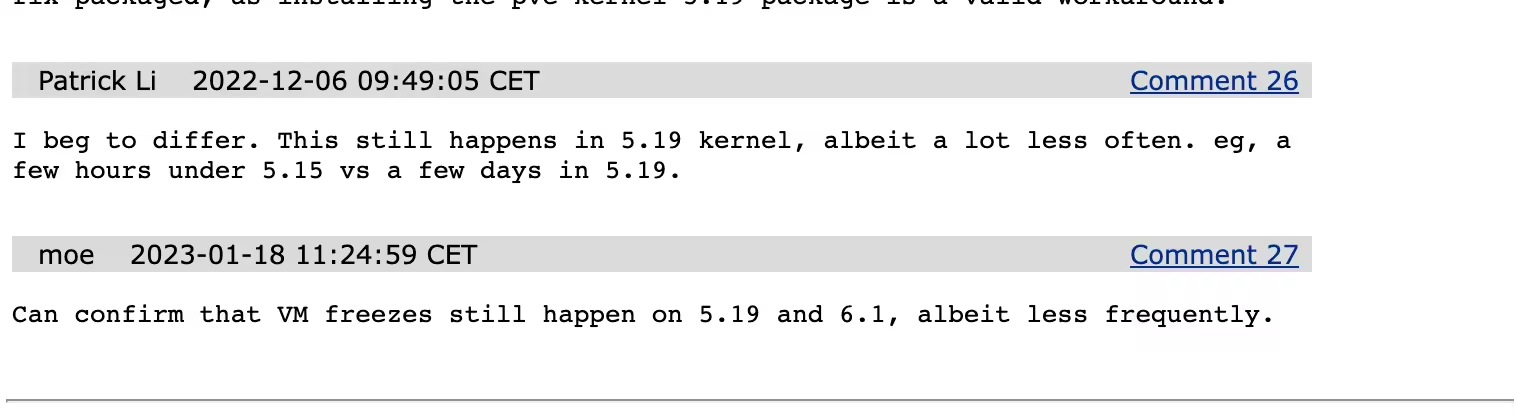
In the last few comments of the bug feedback, it was reported that the crash problem has indeed been reduced after upgrading the kernel to 5.19 or 6.1, but it may still occur.
2. Solution - based on PVE8.2 personal test
- Close enterprise feed
This feed is a paid version of the feed that provides functions such as cluster management, backup and recovery. It cannot be used without purchase, so it needs to be removed; rename the file to backup for insurance purposes
- Add non-feed sources
“pve-no-subscription” is a parameter in the Proxmox VE package source name, which means that this package source provides a free version of the Proxmox VE package. “bookworm” is a version number of the Debian GNU/Linux operating system, which is the 11th major release of the operating system.
- Add Debian non-free-firmware source
Add non-free-firmware to update Microcode, the default software source does not contain non-free-firmware
- View the current
Microcode, the following is the currentMicrocode, version number0x0000001d - Install
Intel CPU microcode - Wait for the update to complete and then restart
- Check the
Microcodeversion, you can see the update to version 0x24000026 - Query debian更新日志 shows that this version was updated on 2023-09-26
mv /etc/apt/sources.list.d/pve-enterprise.list /etc/apt/sources.list.d/pve-enterprise.list.backup
echo 'deb http://mirrors.ustc.edu.cn/proxmox/debian/pve bookworm pve-no-subscription' >> /etc/apt/sources.list.d/pve-no-subscription.list
tee /etc/apt/sources.list.d/debian-non-free.list > /dev/null <<EOF
deb http://mirrors.huaweicloud.com/debian unstable non-free-firmware
deb-src http://mirrors.huaweicloud.com/debian unstable non-free-firmware
EOF
dmesg | grep microcode

[    0.378839] MMIO Stale Data: Vulnerable: Clear CPU buffers attempted, no microcode
[    0.378841] Register File Data Sampling: Vulnerable: No microcode
[    0.378842] SRBDS: Vulnerable: No microcode
[    1.268304] microcode: Current revision: 0x0000001d
apt update -y
apt install intel-microcode -y
reboot
dmesg | grep microcode

root@pve247:~# dmesg | grep microcode
[    0.372747] SRBDS: Vulnerable: No microcode
[    1.268720] microcode: Current revision: 0x24000026
[    1.268722] microcode: Updated early from: 0x0000001d
3. Related explanations
*Installation source
In Debian operating system, software packages are divided into three parts: main, contrib and non-free. Among them, the software in the main and contrib parts are free software. They follow the Free Software Definition and can be freely used, modified, copied and redistributed.
The non-free part includes some software that does not meet the definition of free software, such as certain proprietary hardware drivers, specific formats of audio and video encoders, etc. These software may have some restrictions, such as not allowing users to modify or redistribute it. Therefore, these software are not considered free software in the Debian community.
deb http://deb.debian.org/debian bullseye main contrib non-freeThis is the main software source of the Debian operating system, which contains the core software packages of the Debian operating system and some third-party software packages. Contrib and non-free represent software packages with different degrees of freedom.
deb http://security.debian.org/debian-security bullseye-security maincontrib non-free This source provides security update packages for the Debian operating system. These packages usually fix known vulnerabilities and security issues.
deb http://deb.debian.org/debian bullseye-updates main contrib non-freeThis source provides non-security updated packages for stable versions of the Debian operating system. These packages often fix bugs and provide new features.
- Processor microcode (
[Microcode](https://wiki.debian.org/Microcode)).
intel-microcode is used to provide microcode updates for Intel processors. Microcode is a set of instructions, similar to processor firmware, that can be executed on the processor to change its behavior or fix bugs. The kernel is able to update the processor’s firmware without the need for a BIOS update. Microcode updates are saved in volatile memory, so BIOS/UEFI or the kernel updates the microcode on every boot
Updates to intel-microcode are typically provided by operating system or device manufacturers to improve processor performance, stability, and security.
- Proxmox VE major version and corresponding Debian version and its version code:
| Proxmox VE version | Debian base version | Debian version code |