Enable Version Control for Node-RED Flows
Problem Description
I used to back up Node-RED flows by copying ~/.node-red/flows_xxx.json and keeping multiple versions. That was annoying, and even comparing unformatted JSON with tools like Beyond Compare was a mess.
Solution: Pretty-Print JSON
I found that by changing the setting in ~/.node-red/settings.js, the flows_xxx.json file can be saved in a pretty-printed format.
vim ~/.node-red/settings.js
# Search for flowFilePretty, find the line, and uncomment it
Solution: Enable Git Support
- Enable project support
vim ~/.node-red/settings.js
# Find projects: {enabled: false} and change it to enabled: true
- Restart Node-RED
ls -ll ~/.node-red/
# You will see a new projects/ directory
-
Revisit the Node-RED web UI, such as 127.0.0.1:1880 Follow the prompts to create or clone a project.
-
Sidebar information
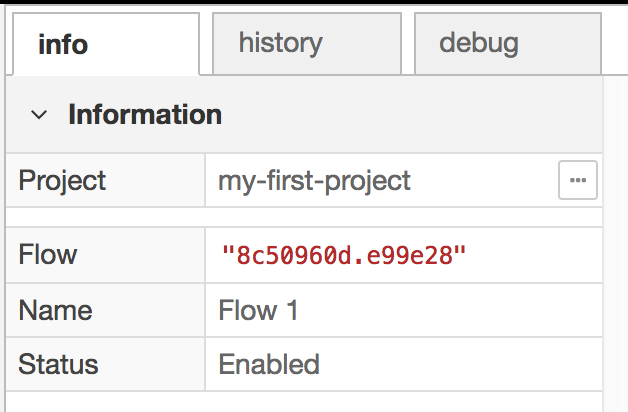 The info page above shows the current project name.
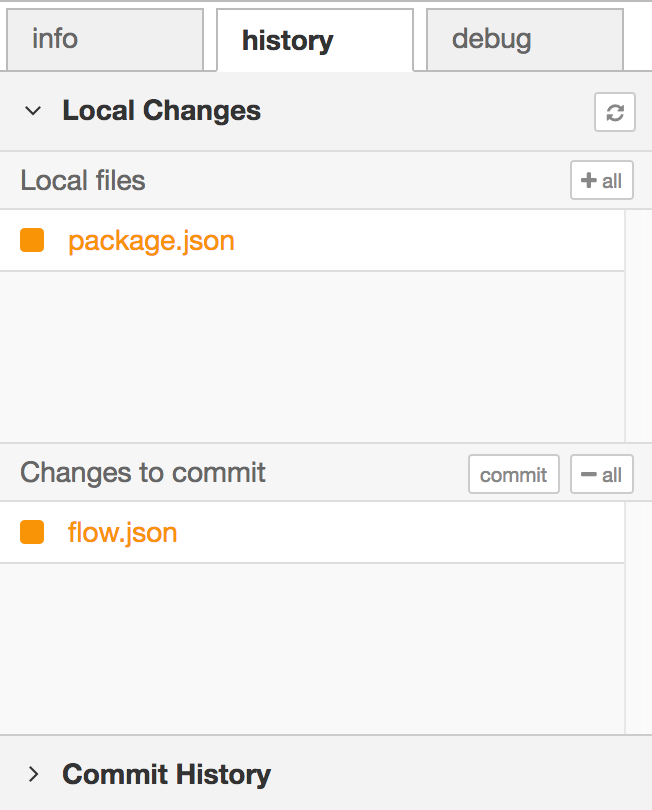 The history page above shows the changed files under Local Changes. Click a file name to see the detailed node changes. Clicking
 +is equivalent togit add filename; files under Changes to commit have been added but not committed. After clicking commit, you enter a description, which is effectivelygit commit -m "description".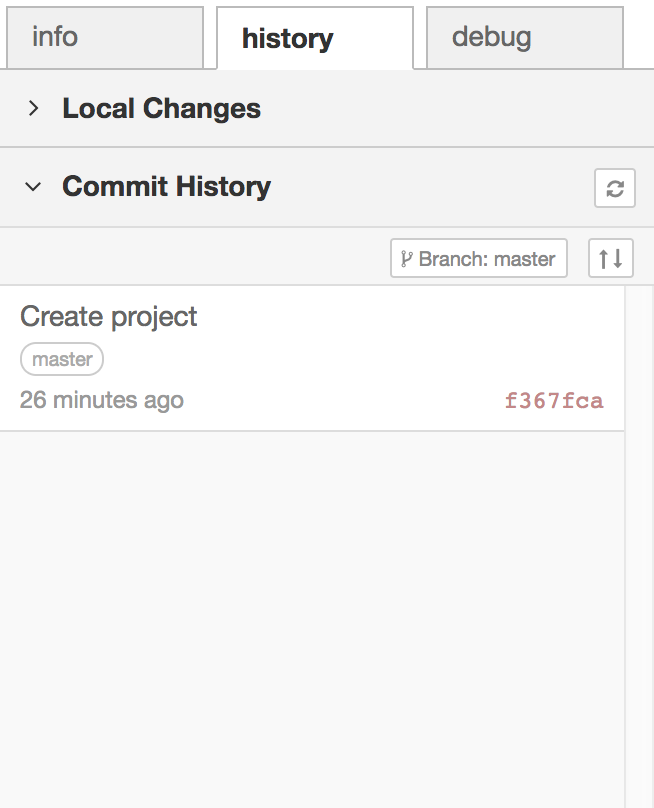 The Commit History page shows commit history. If a remote repository is configured, you can also see how many commits the local branch is ahead of the remote, and you can push or pull here.