Enable Automatic Startup for Docker Services and Containers After Reboot
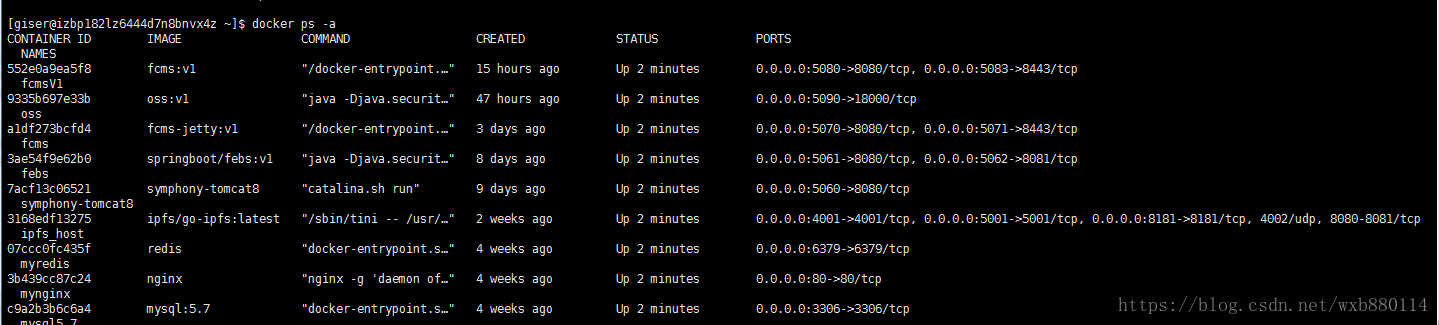
After rebooting the operating system, I found that the Docker service did not start and the containers did not start either. How do you make them start automatically after reboot?
Solve Two Problems
- Enable automatic restart for the Docker service
systemctl enable docker.service

- Enable automatic restart for Docker containers
docker ps -a
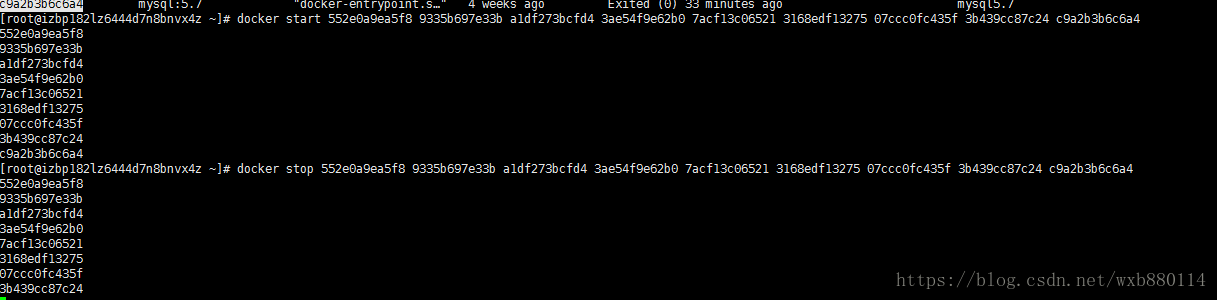
 Use the following command to restart the container:
docker restart imageid
When running a Docker container, you can add the following parameter to make the container restart automatically after the Docker service restarts:
docker run --restart=always
If the container is already running, you can use:
docker update --restart=always <CONTAINER ID>
 After rebooting the system:
docker ps -a