A Very Practical Trick: Export Yuque Documents to Markdown Without a Membership
Many people use Yuque for technical notes, product documentation, or reading notes. But when it is time to move that content into a blog system such as Hugo, Hexo, or Jekyll, or sync it into a Git repository, the most annoying step is usually getting clean Markdown. If you have run into that problem, here is a small trick I have used for a long time: no paid membership, no plugin, just append a URL suffix and you get the full Markdown body directly.
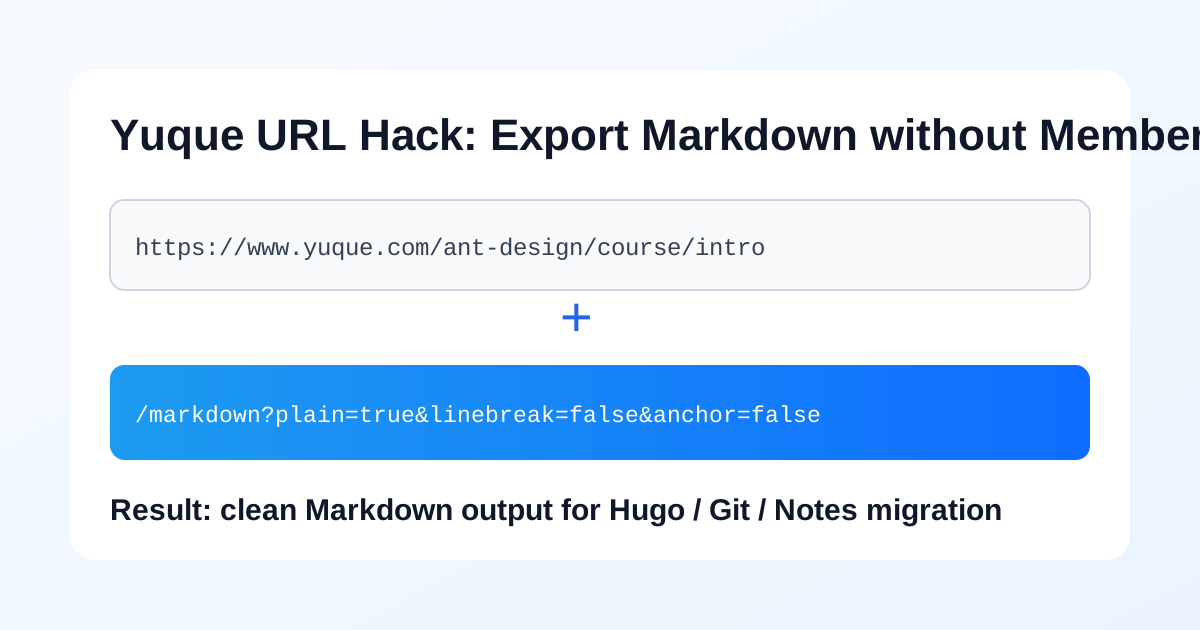
The one-line method
Append the following suffix to any Yuque document URL:
/markdown?plain=true&linebreak=false&anchor=false
Press Enter and the page will return the Markdown source of that document.
Template form:
Original document URL + /markdown?plain=true&linebreak=false&anchor=false
What do these parameters mean?
plain=true: output cleaner Markdown that is easier to copy into a local editor.linebreak=false: avoid unnecessary forced line breaks so the content formats better after importing into a blog.anchor=false: skip anchor handling and reduce noisy links in the output.
In short, the goal of this parameter set is to make the export closer to directly publishable Markdown.
Public example you can try right away
Example document:
https://www.yuque.com/ant-design/course/intro
Markdown export URL:
https://www.yuque.com/ant-design/course/intro/markdown?plain=true&linebreak=false&anchor=false
I verified locally that this link returns the Markdown body directly. You can paste it into a blog post and continue editing. If you often do knowledge migration, archive backups, or multi-platform publishing, this saves a surprising amount of time.
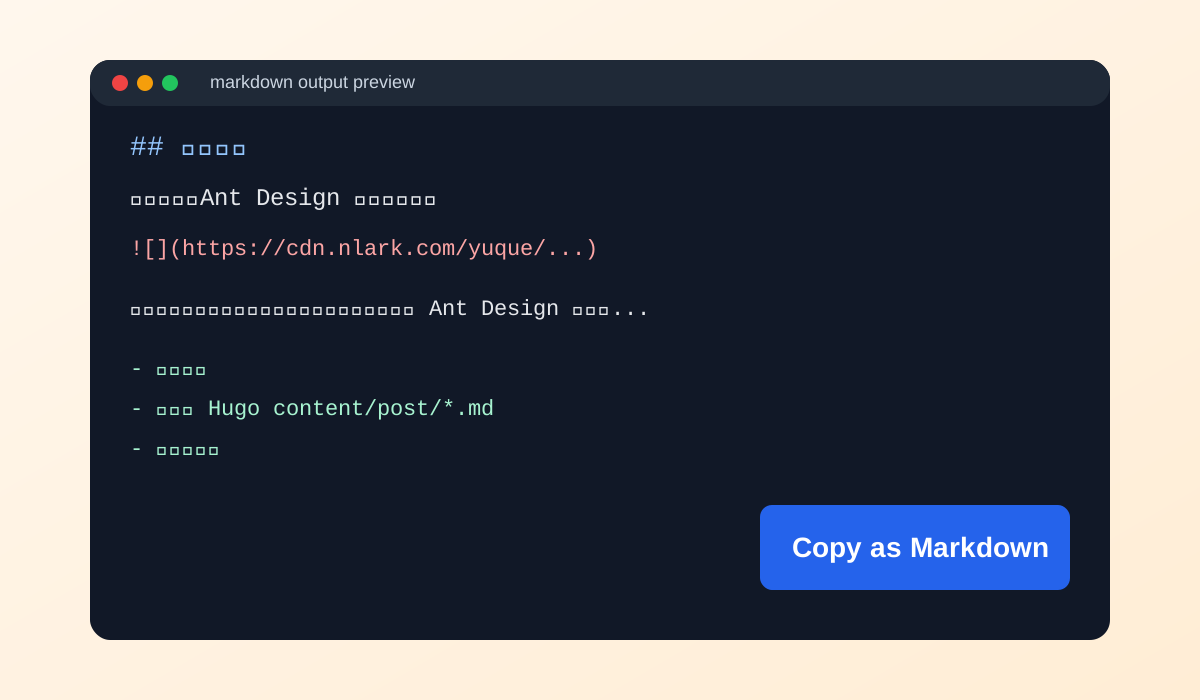
Recommended workflow (30 seconds)
- Open a public Yuque document.
- Append the parameter string in the address bar and press Enter.
- Copy the Markdown output.
- Paste it into
content/post/xxx.mdand add front matter. - Run
hugo server -Dlocally and publish after checking the result.
Notes
- This works most directly for publicly accessible documents. Private documents are still limited by permissions.
- If the document contains images, the exported Markdown usually keeps the original image links, so check image accessibility before publishing.
- It is still worth reviewing headings and code fences manually after export, because some formatting details may need minor cleanup.
If you often write in Yuque and publish on your own blog, this URL trick is worth keeping in your toolbox. Save the parameter string once and future migrations become much faster.