Gridea GitHub Sync Failure - Final Solution
Preface
Enough chitchat. The core idea to solve this problem is to use a proxy. If you don’t have a circumvention tool, there’s no point in reading further. You might want to try coding.
Important Notice
Gridea official’s pinned issue version 2021.10.23更新,关于检测远程链接成功,但同步错误的案例收集与修复测试包 has a serious BUG in the sync feature and cannot sync to Github properly. The following is tested with the official 0.9.2 version of Gridea.
Getting Started
As we all know, there is the Great Firewall in China, and ISPs frequently block various websites for no reason. Consequently, some people’s github also gets blocked. Although many circumvention tools now offer global proxy options, we all know that thing is unreliable. Therefore, we need to make our computer globally proxy a specific APP. Fortunately, proxifier fits the bill, but this software requires payment - but in China, you know how it goes.
Mac version address: https://www.macwk.com/soft/proxifier Windows version address: https://www.hanzify.org/software/13717.html
Since I’m using a Mac, the screenshots below are based on Mac, but the software features are largely the same across platforms.
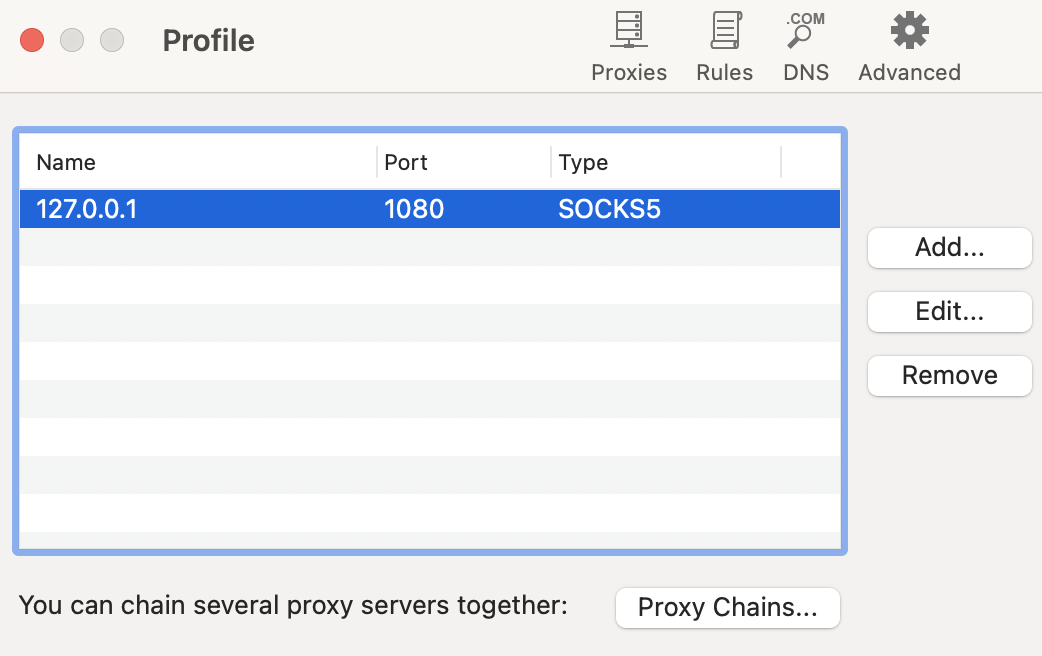
After installing according to the crack tutorial, open the software to start configuring. First, open the Proxies menu with configuration as follows:
The Rules menu has two default modes by default. We click Add to select and add a new entry. The result after adding is as follows:
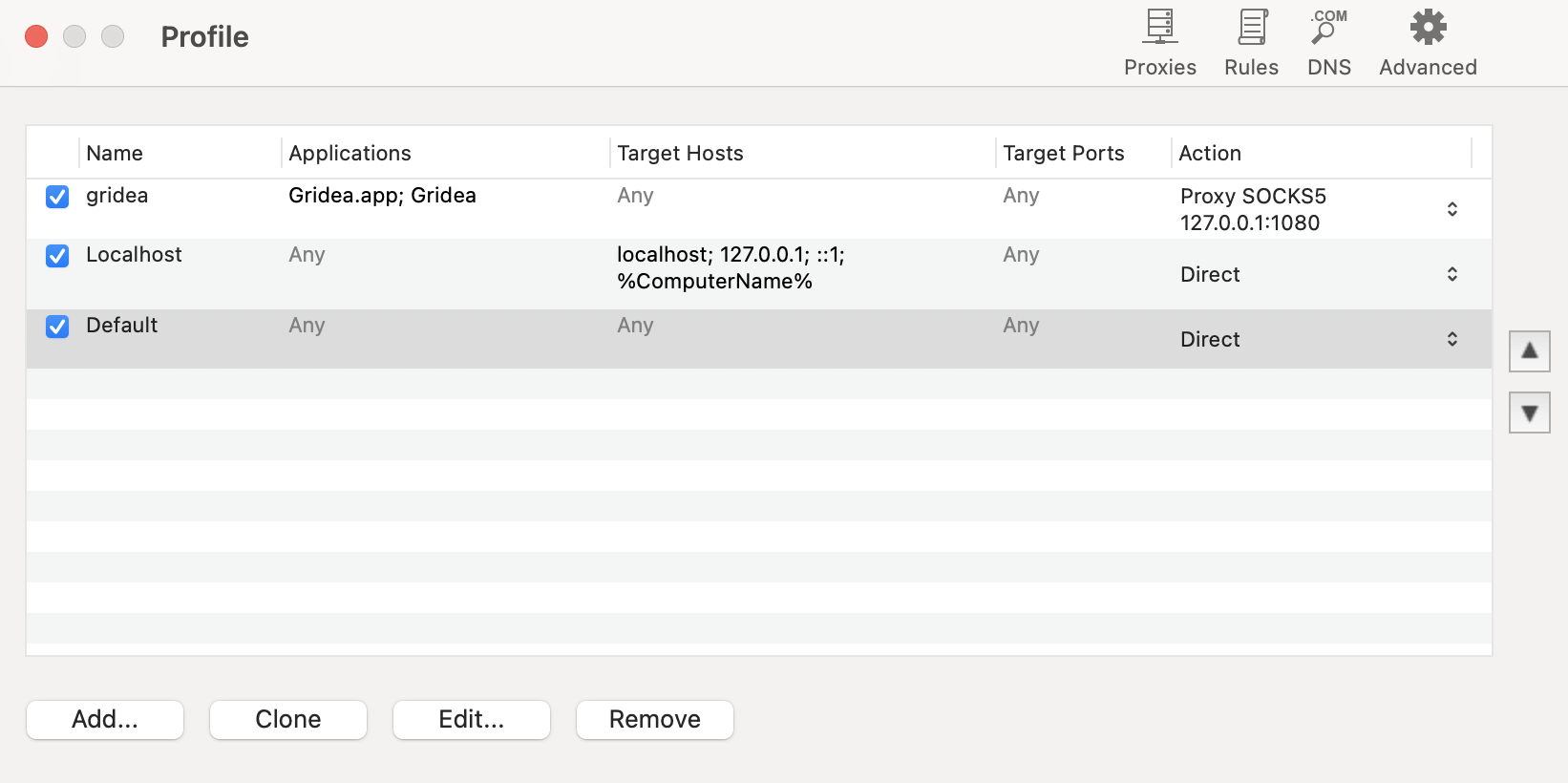
Here I modified the default rule’s proxy mode to direct connection, after all we are only using this software to proxy GrideaAPP. The circumvention functionality should be left to our dedicated tool.
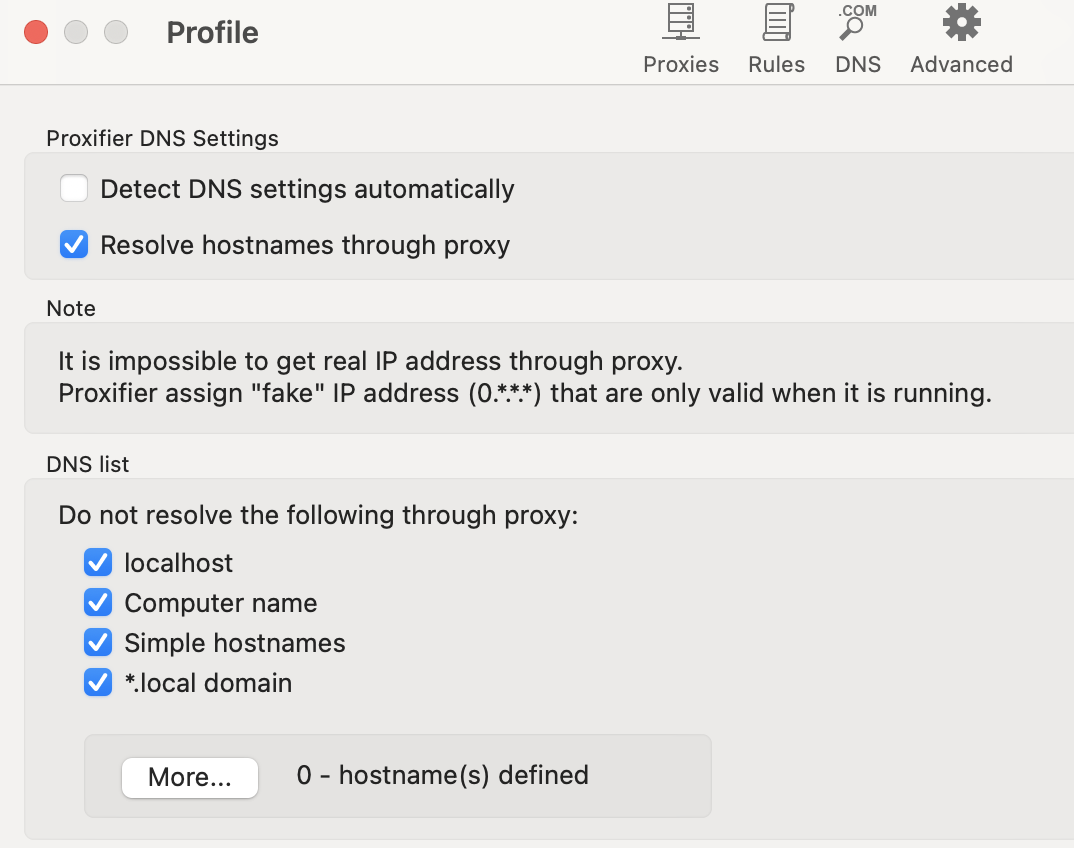
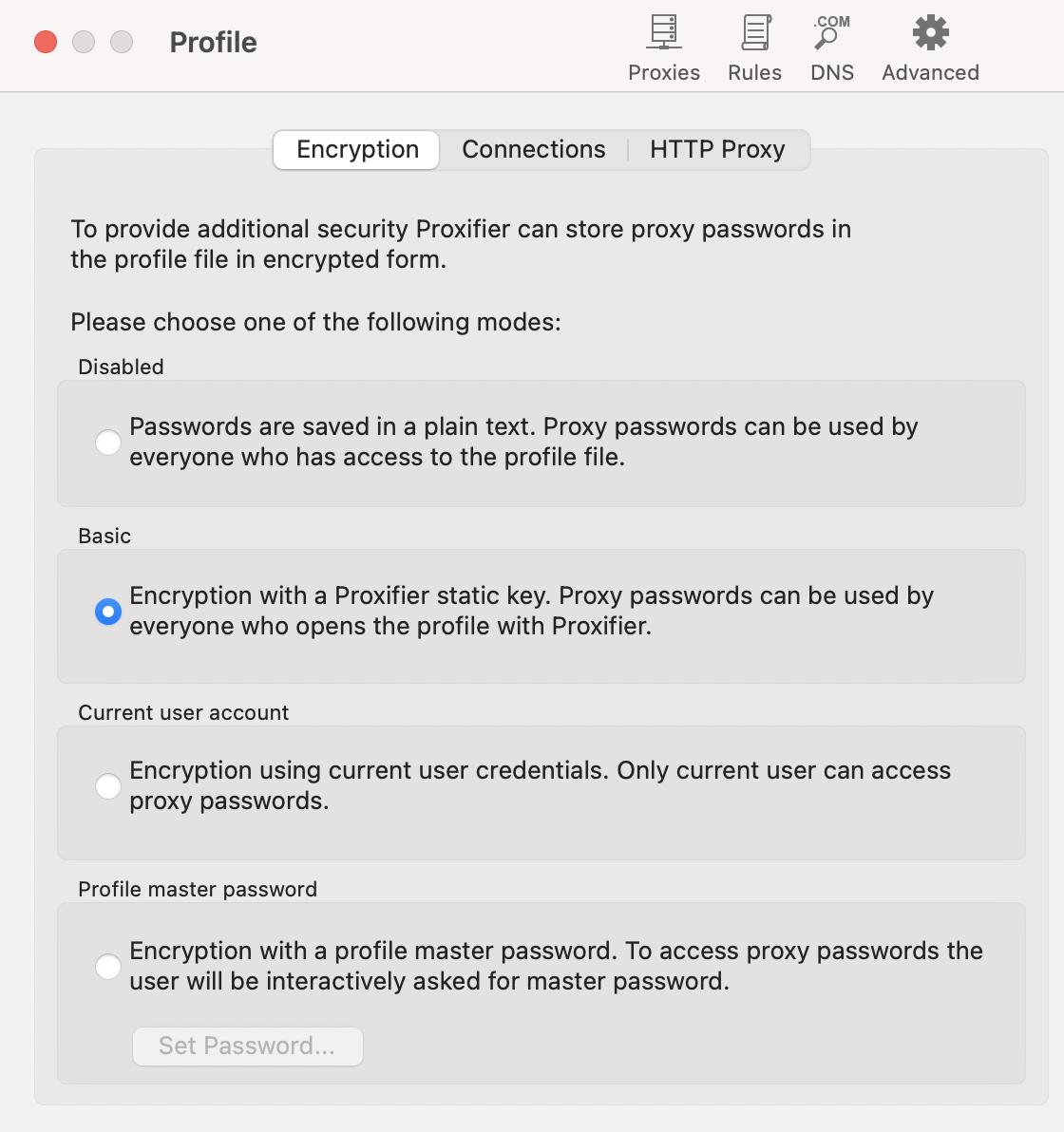
DNS and Advanced use default configuration. Results are as follows:
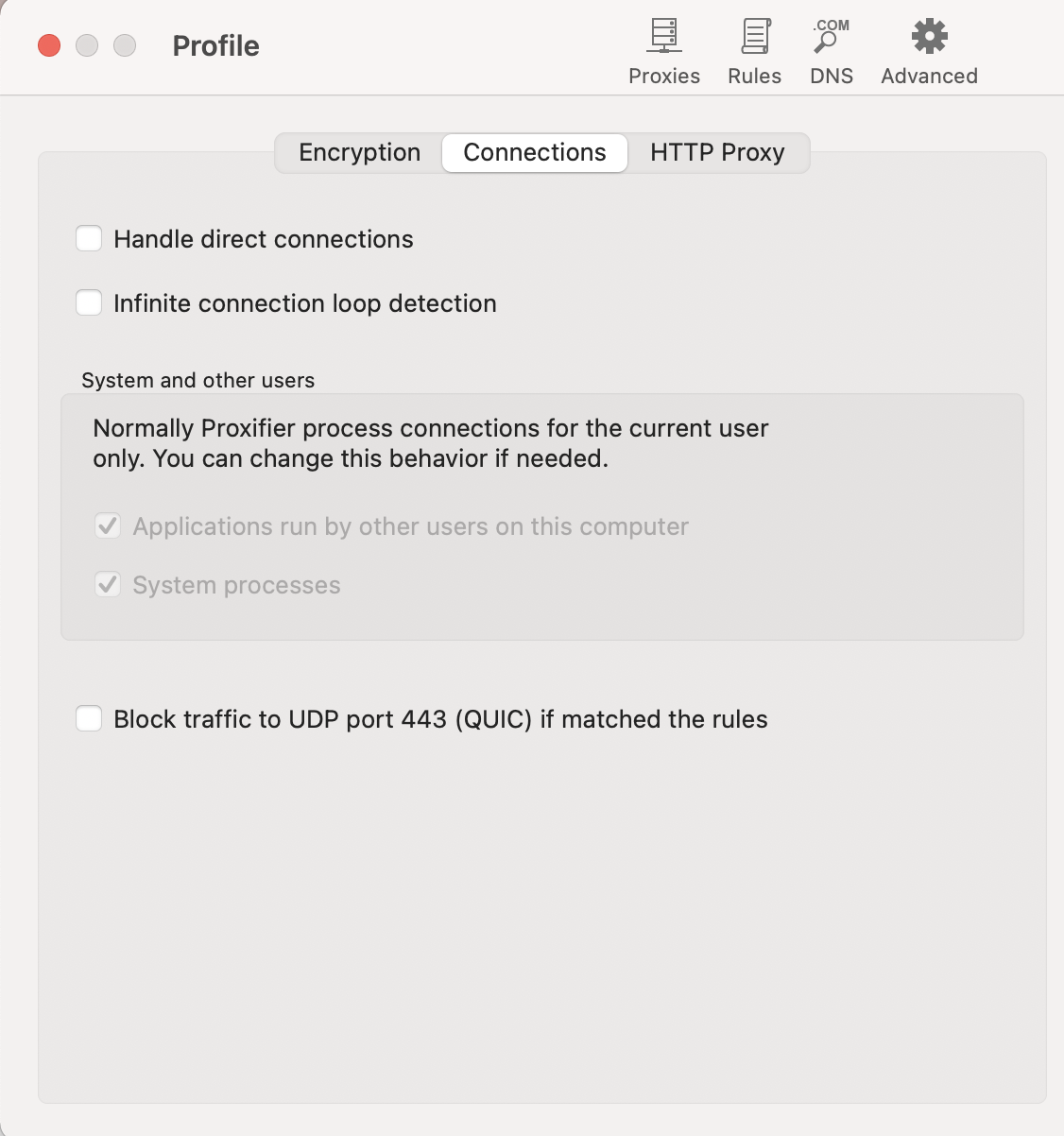
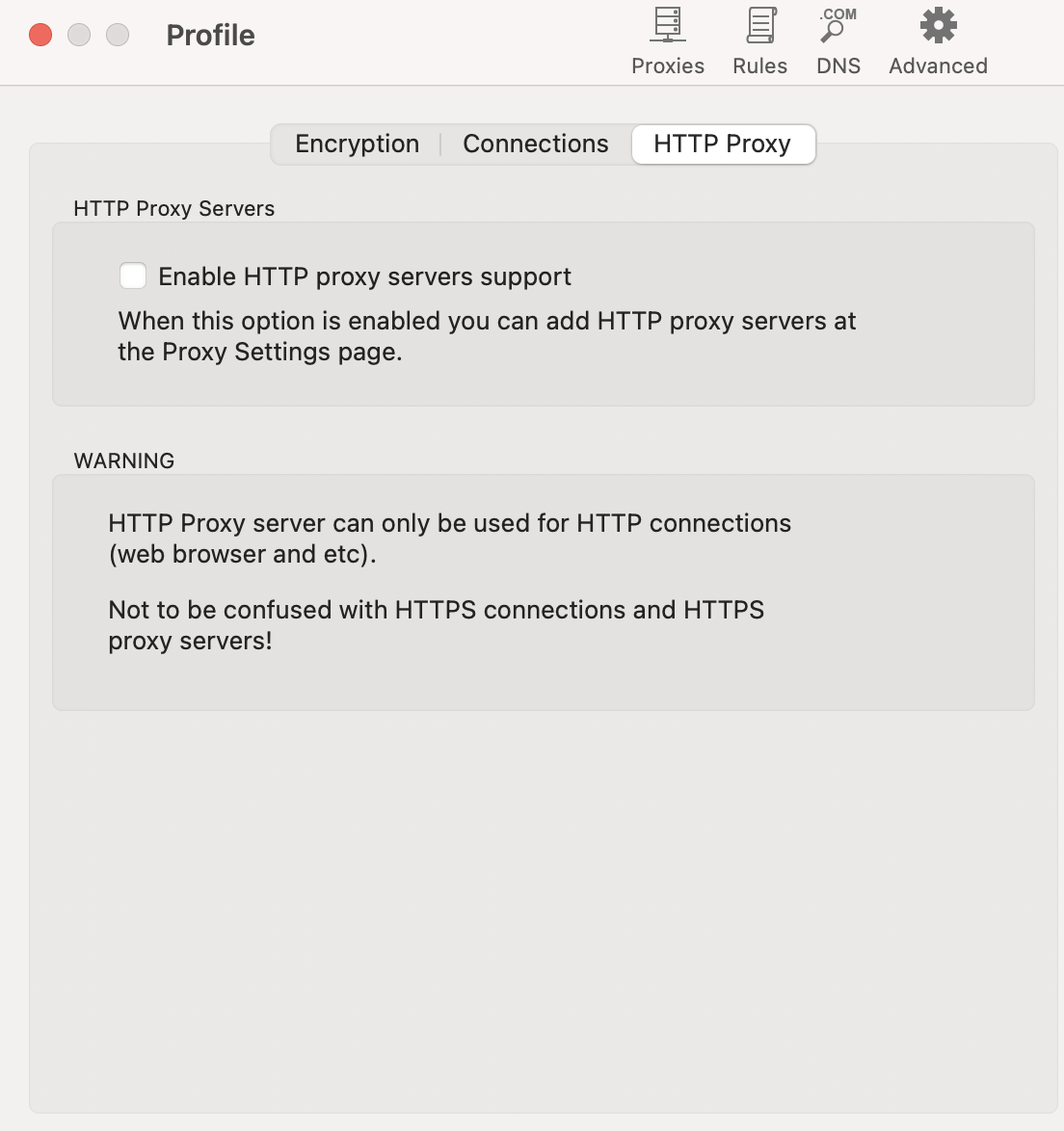
Finally, open our Gridea software and click sync. We can see the request process on proxifier:
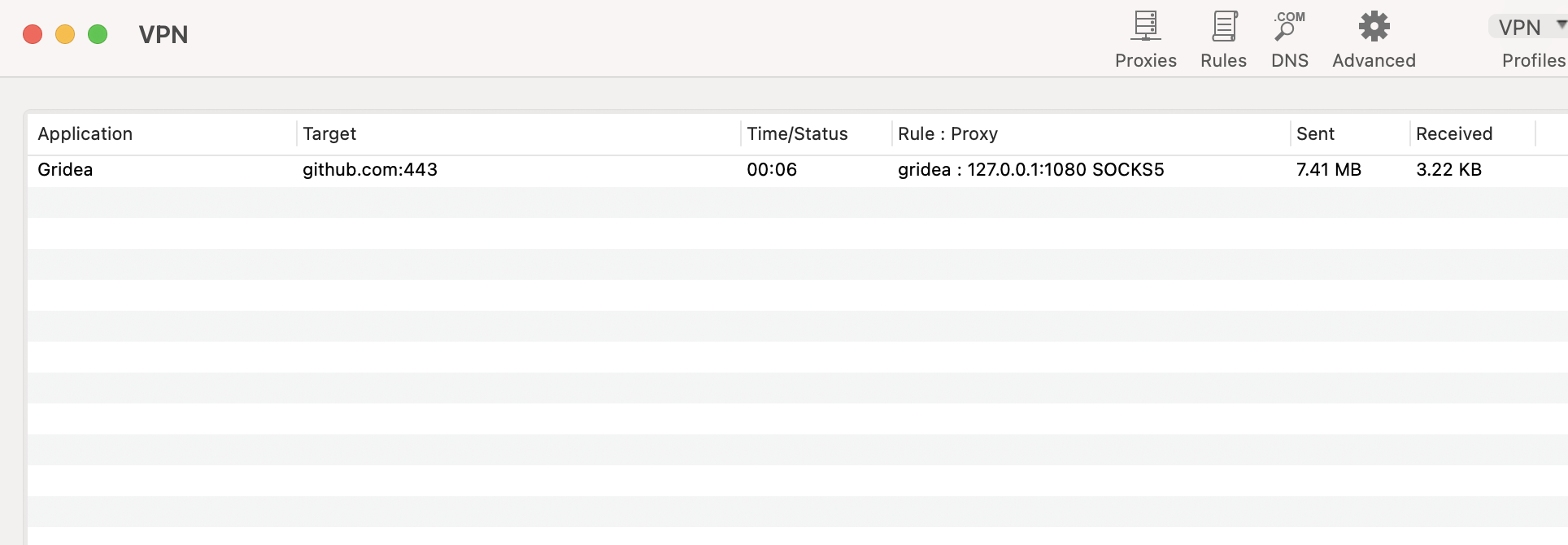
And of course, the final result is the five characters: sync successful!