How to Install a Certificate on iOS for HTTPS Packet Capture
Download the Certificate on iOS
- Export the PEM certificate from Charles and place it on any web server
- The PEM certificate I use below is only an example. Do not install it.

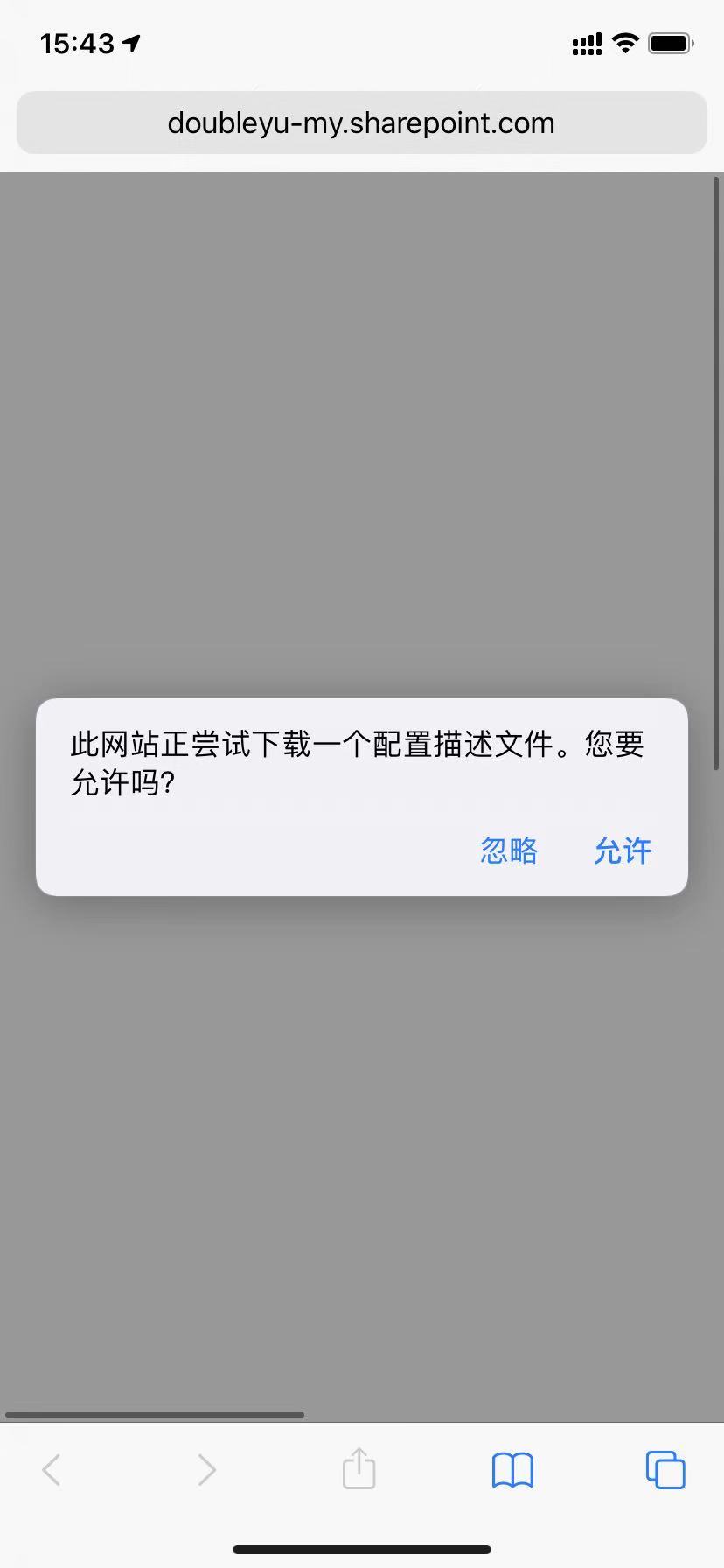
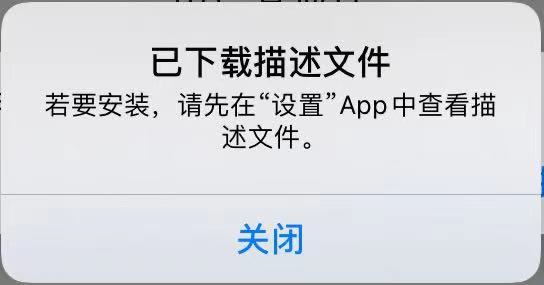
- Open the URL with Safari on iOS. iOS will prompt you to download a configuration profile. Download it.
Install the Configuration Profile
- After the configuration profile is installed, open iOS
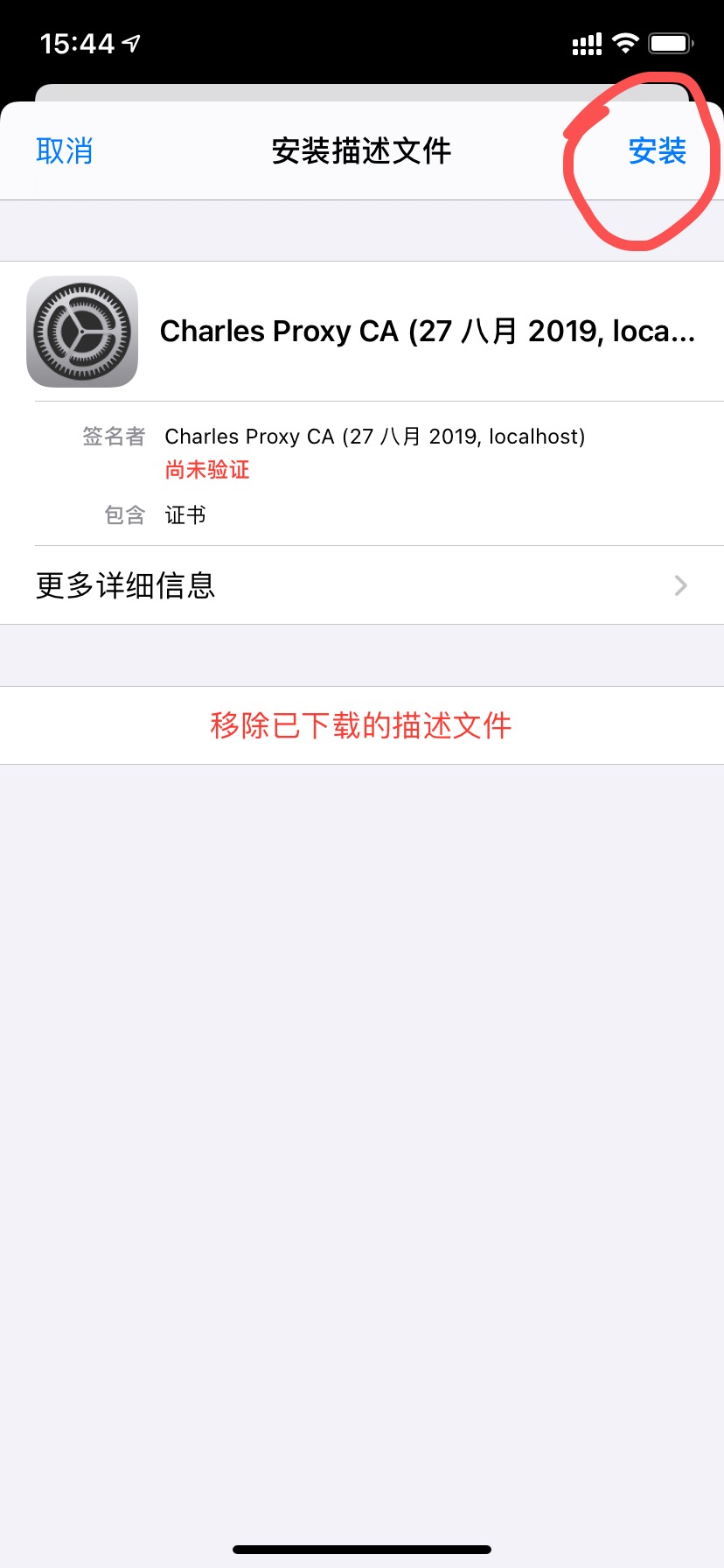
Settingsand you will see a new entry,Downloaded Profile. - Select the
Charlesprofile you just downloaded and tapInstallin the upper-right corner. - Enter the lock-screen passcode, then tap
Installagain in the upper-right corner to finish.
Trust the Certificate
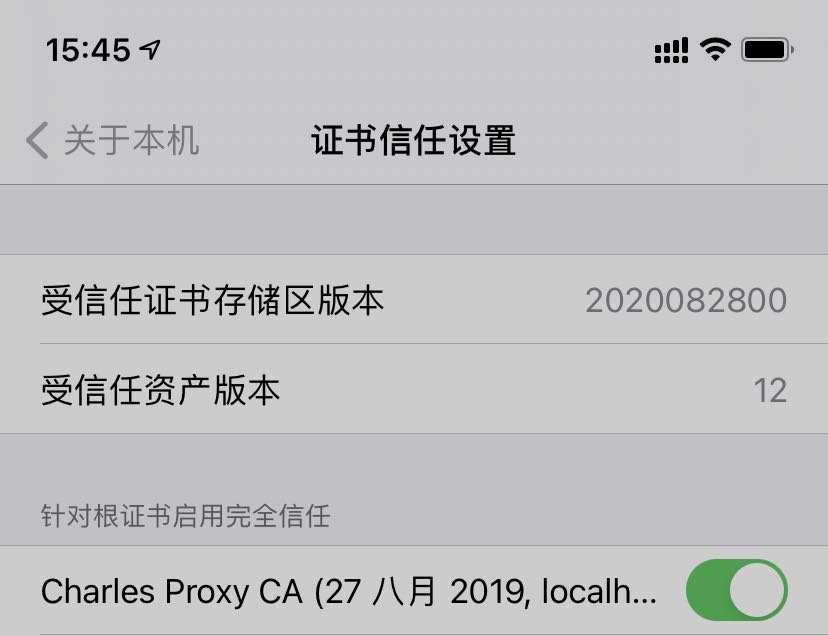
- Go back to iOS
Settings->General->About->Certificate Trust Settingsand enable theCharlescertificate.