Why Your Smart Home Devices Deserve a Guest Room
The short version
Your bulbs, cameras, robot vacuum, TV, and smart speakers should not permanently share the same local network with your laptops, phones, and NAS. The practical answer is not to disconnect them from the Internet. Give them a separate “guest room”: a separate Wi-Fi name, a separate VLAN, a separate address range, and a firewall that opens only the doors they actually need.
This gives you a useful boundary. If an IoT device misbehaves, the problem is less likely to spread to your main network. If an account or firmware is compromised, an attacker does not automatically receive a master key to the whole house.
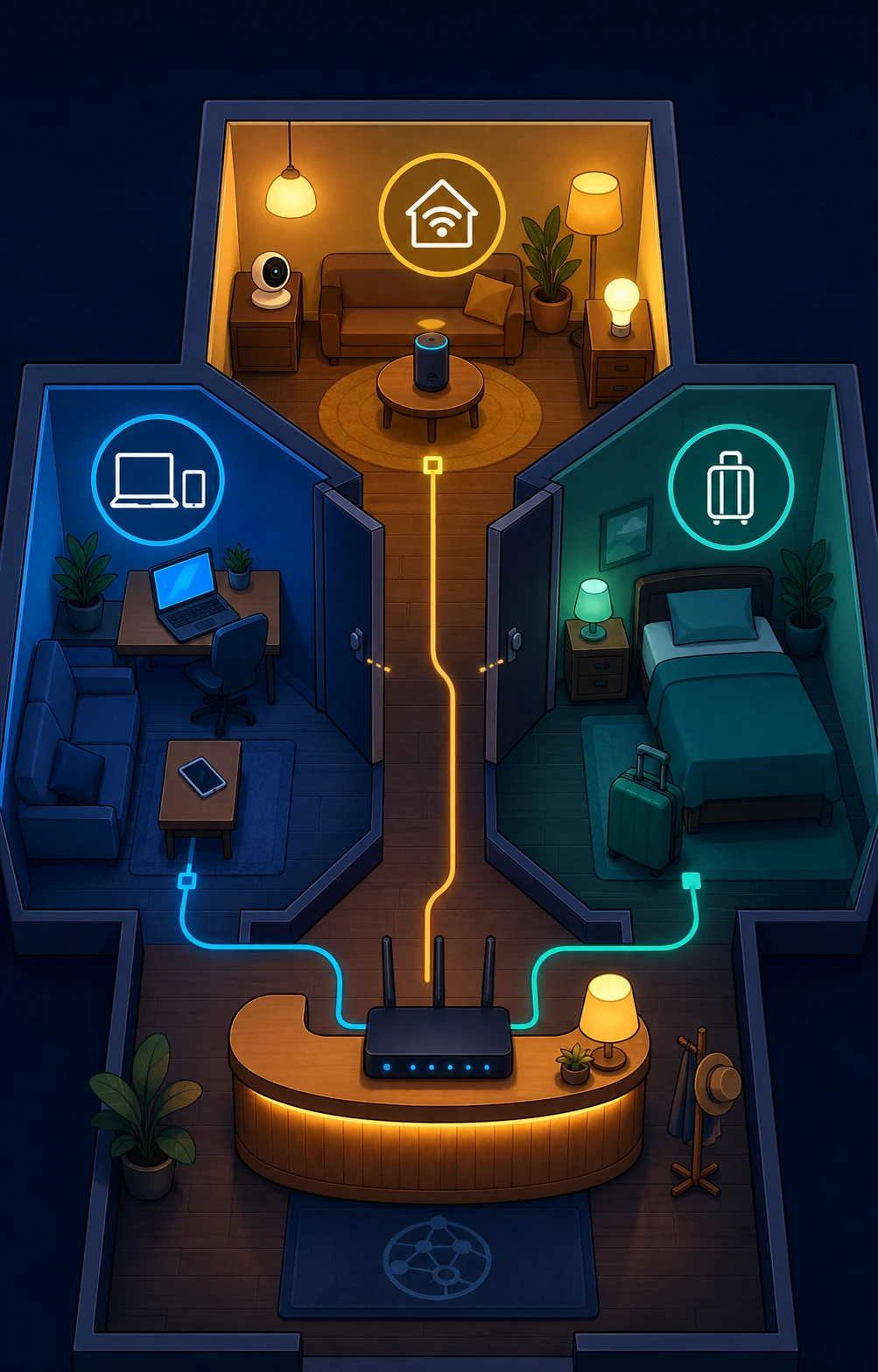
The point of a guest room is not to prevent a device from going outside. It is to stop it from receiving keys to every other room.
Why I Started Taking IoT Segmentation Seriously
This usually does not begin with a grand security project. It begins with ordinary symptoms:
- A camera stream freezes occasionally at night.
- A phone is connected to Wi-Fi but cannot find the speaker or TV.
- A robot vacuum starts contacting unfamiliar domains after a firmware update.
- A guest device can see the home printer.
- The router’s device list grows longer than anyone can explain.
None of these symptoms proves an attack. A more common explanation is that every device shares one broadcast domain. Discovery traffic, local broadcasts, automatic configuration, and cross-device access all live in the same room.
It is like removing the doors between the kitchen, bedrooms, storage room, and living room. Moving around is convenient, but a leak, fire, or stolen key can affect the whole house.
Why Smart Devices Deserve Their Own Zone
They are harder to inspect than computers
A laptop or phone can usually update itself, show login alerts, and run security software. A bulb, plug, or camera may expose only a tiny management page. You may not know which operating system it runs or when it last received an update.
That does not mean every IoT device is unsafe. It means we should not assume every device is as trustworthy as a fully managed computer. A simple security principle works well here: when you are uncertain, reduce the area the thing can affect.
They need to go outside, not walk into every room
IoT devices may need vendor cloud services, DNS, time synchronization, or phone-control APIs. Isolation does not mean unplugging them or banning all Internet access.
The more accurate goal is:
- IoT devices can reach the Internet services they need.
- Main-network phones and computers can manage them when necessary.
- IoT devices cannot initiate arbitrary connections to computers, NAS systems, printers, or router administration.
- Guest devices can browse the Internet without seeing household devices.
VLAN Explained: Put Apartment Building Access Control Into Wi-Fi
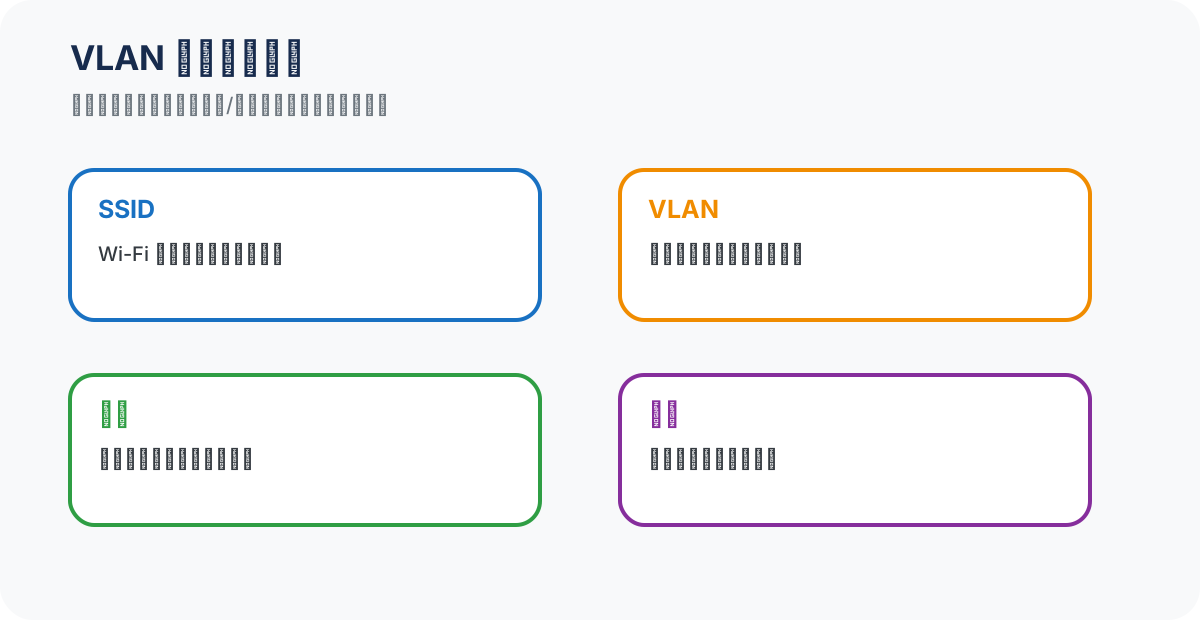
VLAN sounds like a specialist term, but the apartment-building analogy is enough:
- SSID is the building entrance name, such as “Home Wi-Fi,” “Smart Home,” or “Guest Wi-Fi.”
- VLAN is the room label in the access-control system. The switch uses it to keep traffic in the right room.
- Subnet is the room’s address range.
- Firewall policy is the guard’s list of who may pass through which door.
Changing the Wi-Fi name alone does not guarantee isolation. Real separation needs different VLANs, or at least different routed subnets, and a router/firewall that decides whether traffic may cross between them.
A redacted example
The following is documentation-only. It uses reserved address blocks and deliberately omits exact host addresses:
| Zone | Wi-Fi name | Example range | Default policy |
|---|---|---|---|
| Main | Home-Main |
192.0.2.x/24 |
May manage other zones |
| IoT | Home-IoT |
198.51.100.x/24 |
Only required services |
| Guest | Home-Guest |
203.0.113.x/24 |
Internet only |
The numbers are not the important part. The important part is that each zone has a different broadcast boundary and an explicit access policy. If your router only supports a main Wi-Fi and a guest Wi-Fi, start there. You can move to VLANs when the hardware supports them.
The Practical Start: Write a Home Network Access Table
Do not begin by copying a complicated rule set. First list who needs to reach whom:
| Source | Destination | Decision | Reason |
|---|---|---|---|
| Main | IoT management | Allow | Phones need to control devices |
| IoT | DNS, NTP, vendor cloud | Allow | Devices need names, time, and updates |
| IoT | Main computers and NAS | Deny by default | Reduce lateral movement |
| Guest | Household devices | Deny | Guests only need Internet |
| Main | Guest | Usually unnecessary | Avoid needless two-way visibility |
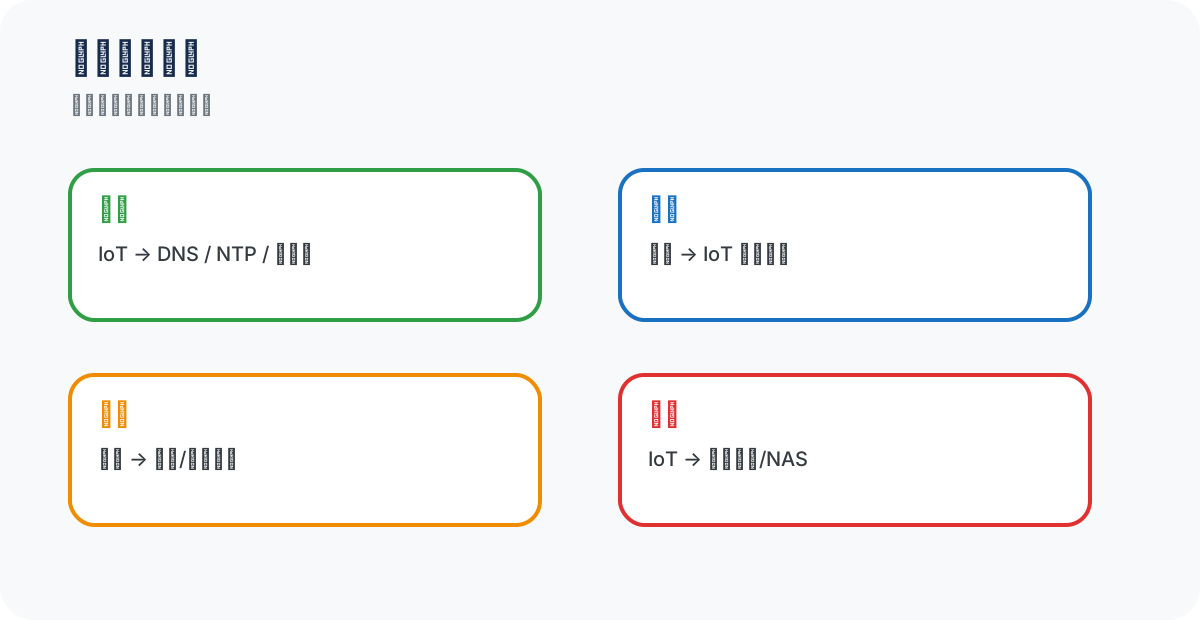
This is the home-network version of least privilege. A hotel cleaner needs a room key, not a key to the safe. A smart speaker needs cloud access, not access to your NAS photo library.
Be careful with mDNS and casting
After the first segmentation attempt, people often say: “The speaker is online, but my phone cannot find it.” That does not necessarily mean VLAN failed. Many discovery protocols are local broadcasts and do not cross routed boundaries automatically.
Possible solutions, from simple to more controlled:
- Put the phone and the device it controls in the same managed zone.
- Enable an mDNS/Bonjour gateway that forwards discovery only between selected zones.
- Create precise one-way exceptions for fixed devices. Do not bridge the entire IoT and main networks into one giant room just to make a single casting button work.
One-Click Read-Only Checks for Three Platforms
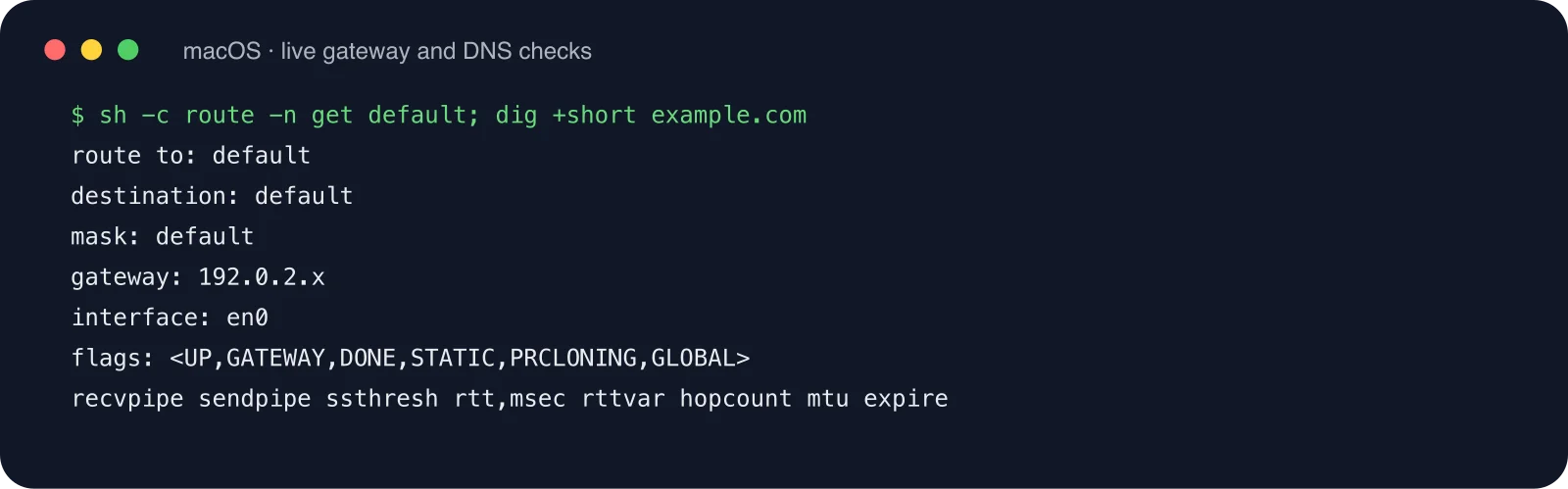
The scripts below use no third-party service. They only read local network state and perform basic connectivity checks. They do not change router policy. Run them before changing the network so you know which room the device currently occupies.
Windows 11: PowerShell
$ErrorActionPreference = "Stop"
Write-Host "== Windows 11 IoT zone check ==" -ForegroundColor Cyan
Get-NetIPConfiguration |
  Where-Object { $_.IPv4DefaultGateway -or $_.NetAdapter.Status -eq "Up" } |
  Select-Object InterfaceAlias,NetProfile.Name,IPv4Address,IPv4DefaultGateway,DNSServer

$gateway = (Get-NetIPConfiguration |
  Where-Object IPv4DefaultGateway |
  Select-Object -First 1 -ExpandProperty IPv4DefaultGateway).NextHop
if ($gateway) {
  Test-Connection -ComputerName $gateway -Count 1 -Quiet |
    ForEach-Object { "Gateway reachable: $_" }
}

Write-Host "Manually confirm that the Wi-Fi name and address range belong to IoT/Guest, not Main."
Ubuntu 26.04: Bash
#!/usr/bin/env bash
set -euo pipefail
echo '== Ubuntu 26.04 IoT zone check =='
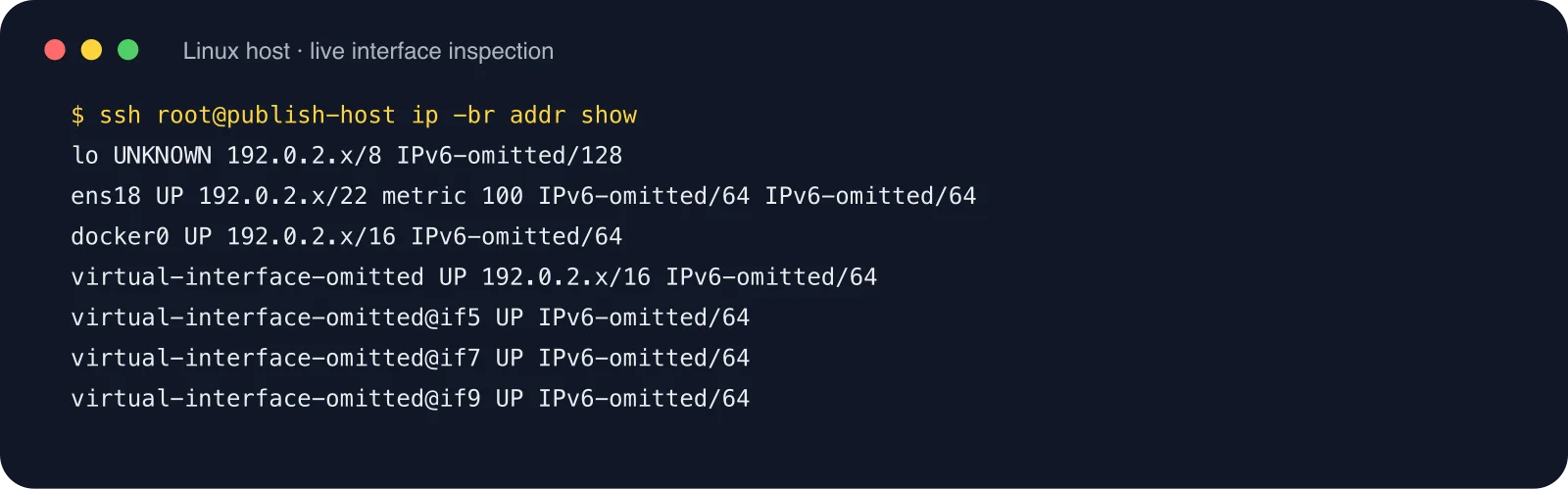
ip -br addr show
echo
echo '== Default route =='
ip route show default || true
echo
echo '== DNS =='
resolvectl status 2>/dev/null | sed -n '/DNS Servers/,+2p' || cat /etc/resolv.conf
echo
echo '== Probe only the current default gateway =='
gateway="$(ip route show default | awk 'NR==1 {print $3}')"
if [[ -n "${gateway}" ]]; then
  ping -c 1 -W 2 "${gateway}" >/dev/null && echo "Gateway reachable: ${gateway}" || echo "Gateway unreachable: ${gateway}"
fi
echo 'Manually confirm that the SSID and address range belong to IoT or Guest.'
macOS 26: Zsh
#!/bin/zsh
set -euo pipefail
echo '== macOS 26 IoT zone check =='
networksetup -listallhardwareports
echo
echo '== Wi-Fi state =='
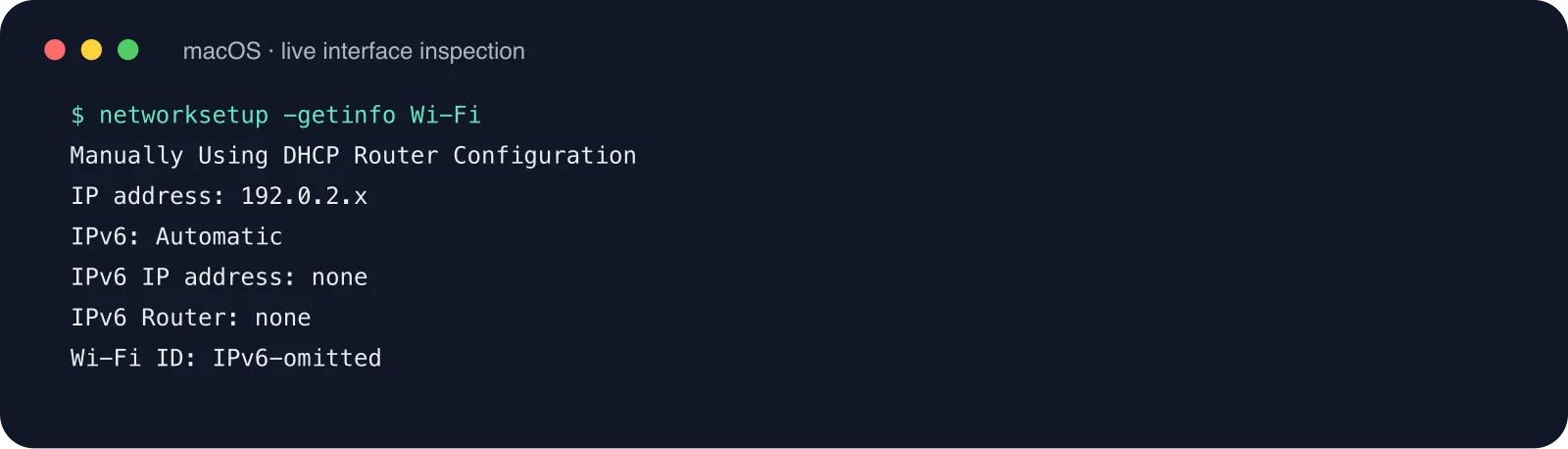
networksetup -getinfo Wi-Fi
echo
echo '== Current route =='
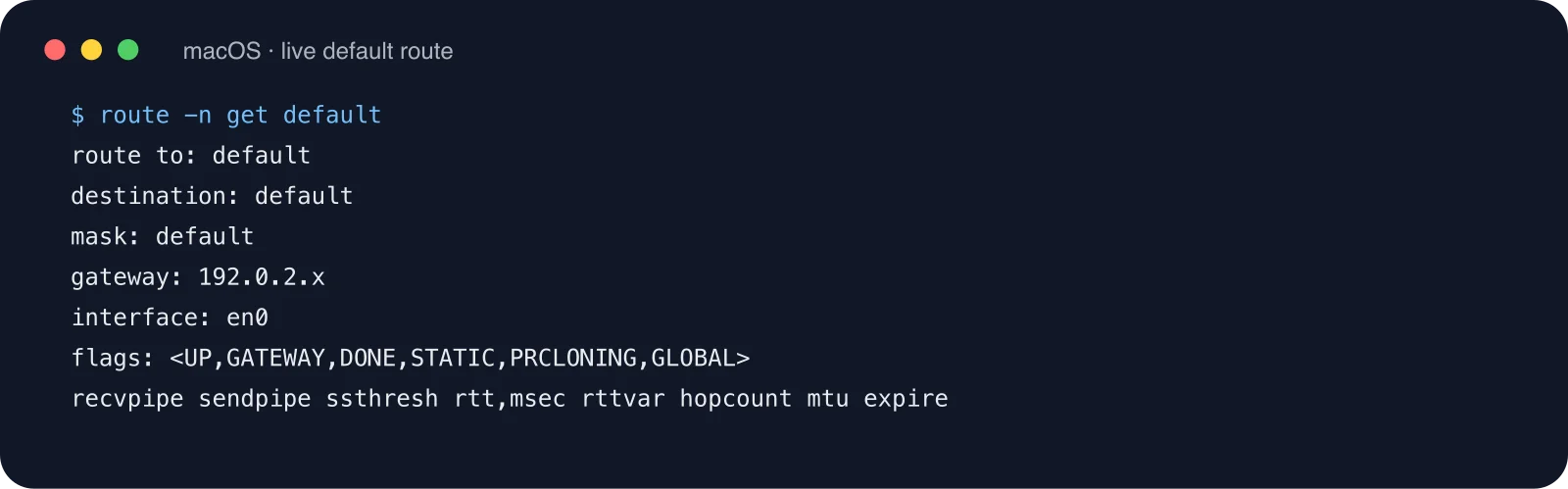
route -n get default | egrep 'gateway|interface' || true
echo
echo '== DNS =='
scutil --dns | egrep 'nameserver\[[0-9]+\]' | head -8 || true
echo 'Manually confirm the Wi-Fi name, address range, and gateway belong to IoT/Guest.'
The common property is that these checks are read-only. See the current state before changing the router. Otherwise, you may isolate the phone that controls the devices along with the devices themselves.
Manual Configuration: From Simple to Precise
Method A: A basic home router
Open the router administration page and enable Guest Network or Smart Home Network. Prefer these options:
- Block access to the private network.
- Block client-to-client communication.
- Use an independent DHCP pool.
- Disable unnecessary management access.
- Use a separate password.
Move a small batch of bulbs, plugs, TVs, and robots at a time. Test each batch. Moving every device at once is how a security upgrade becomes “the home Wi-Fi is broken” in the family memory.
Method B: A router and AP that support VLANs
Create Main, IoT, and Guest VLANs. Give each one DHCP. Deny inter-zone traffic by default, then explicitly allow DNS, NTP, Internet egress, and required management flows.
If you need casting, start with mDNS only. Do not open every port between VLANs just because one device needs discovery. That is the same as removing the guest-room door.
Method C: A minimal nftables gateway example
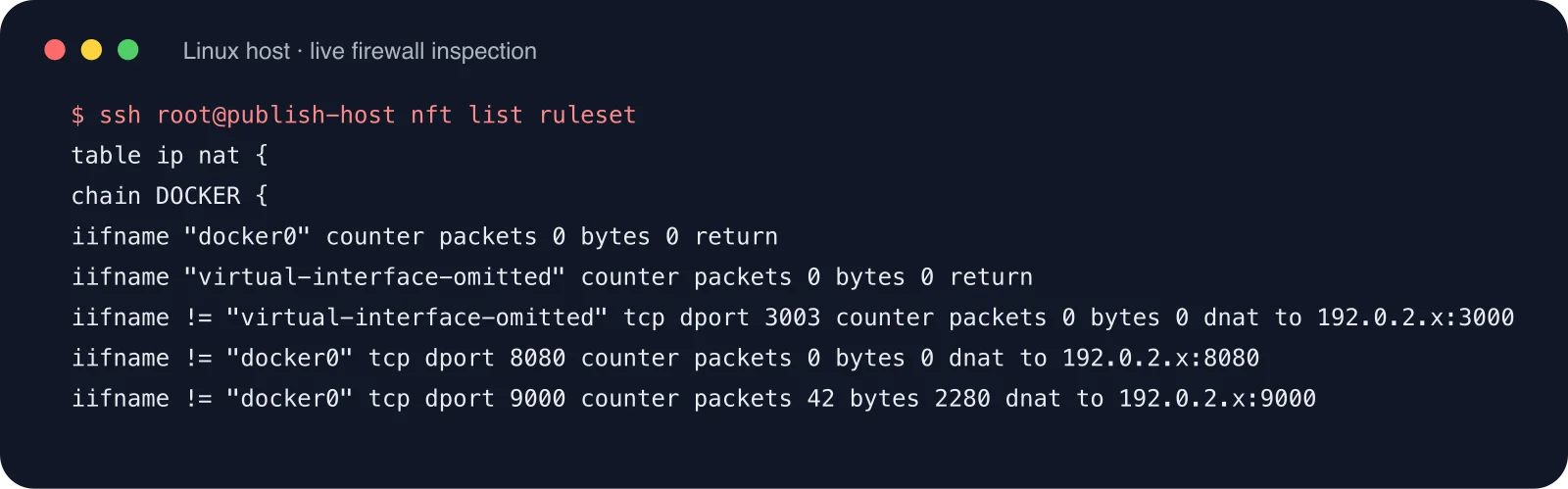
This is a structure example, not a universal drop-in configuration. It contains no real addresses. Keep a local recovery path and confirm interface names before applying it.
table inet filter {
  chain forward {
    type filter hook forward priority filter; policy drop;

    ct state established,related accept
    iifname "lan" oifname "iot" accept
    iifname "iot" oifname "wan" accept
    iifname "iot" oifname "lan" drop
    iifname "guest" oifname "lan" drop
    iifname "guest" oifname "iot" drop
  }
}
Agent-Assisted Configuration: Make It a Network Steward, Not a Demolition Crew
An agent can inventory devices, generate rules, and detect conflicts. It should not change a production router without confirmation. Give it a task like this:
You are a home-network change assistant. Move smart-home devices into a separate IoT zone.

Hard constraints:
1. Use only the redacted device inventory. Do not record full IPs, hostnames, keys, or cookies.
2. Start read-only: interfaces, SSID, DHCP, default route, DNS, and current firewall policy.
3. Produce a change plan and rollback commands. Wait for confirmation before writes.
4. Deny IoT -> Main by default. Allow Main -> IoT management. Allow only DNS, NTP, Internet egress, and explicitly required discovery.
5. After each step verify address assignment, DNS, Internet access, main-network control, and access to main file services.
6. If casting or discovery fails, analyze mDNS/broadcast boundaries first. Do not disable isolation as the first fix.

Output: current state, risks, change plan, rollback plan, execution log, verification, unresolved issues.
The right role for an agent is a property manager: inspect locks, print the resident list, and prepare a work order. The owner must approve the demolition. A bad rule can remove your remote administration path.
Verification: “Internet Works” Is Not Enough
A successfully isolated IoT device should be able to go outside without wandering through the house:
- It receives a DHCP address from the IoT zone.
- It reaches DNS and required Internet services.
- A main-network phone can still control it.
- It cannot initiate arbitrary access to main computers, NAS, or router administration.
- A guest device cannot see household printers, file shares, or management pages.
A reusable troubleshooting order
When a device goes offline, use this order before rebooting everything:
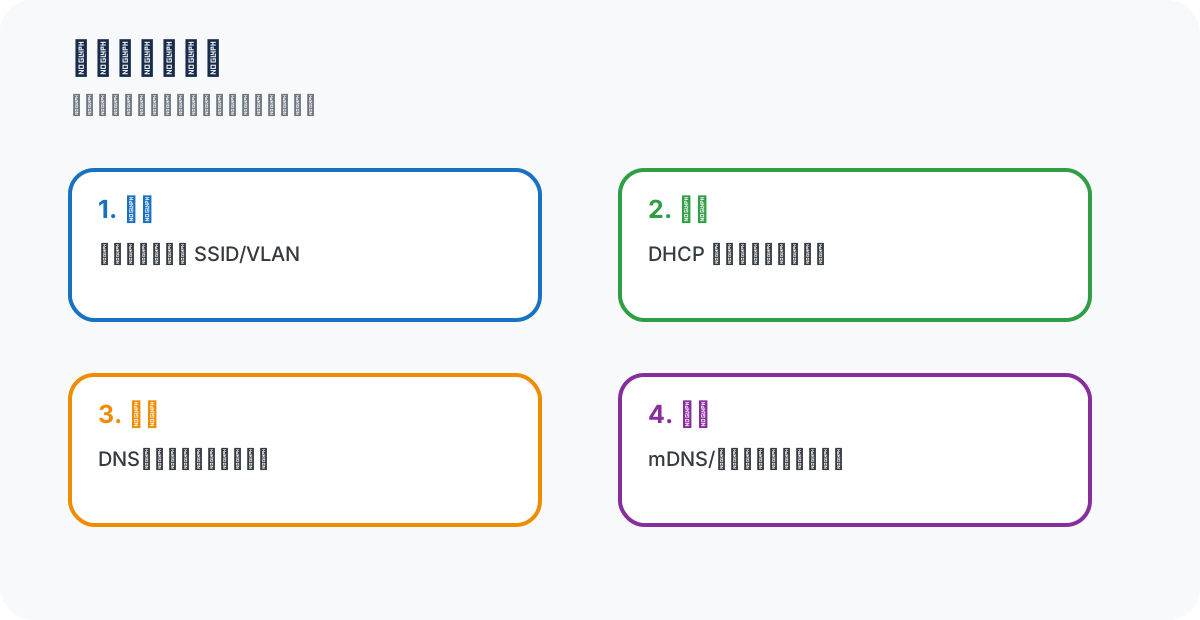
First ask which SSID/VLAN the device joined. Then check its address and gateway. Next check DNS and firewall policy. Only then investigate the vendor cloud. Many “cloud outages” are actually a device in the wrong room or a rule that blocks return traffic.
Frequently Asked Questions
Can a phone still control an isolated device?
Usually, yes, but it depends on the control path. Vendor-cloud devices often only need Internet egress. Devices that rely on local discovery may need mDNS forwarding, a tightly scoped cross-zone rule, or the phone temporarily joining the IoT SSID.
Should the IoT zone have no Internet access at all?
Not necessarily. A total block can break updates, time synchronization, and remote control. A better first step is to block access to the main network and reduce unnecessary outbound access.
Is this worth doing with one ordinary router?
Yes. Guest Wi-Fi with private-network access disabled and client isolation enabled is already much better than one flat Wi-Fi. Later, migrate that guest zone into a dedicated IoT VLAN when the hardware supports it.
Will VLAN make the home network slower?
VLAN is not a speed limiter. Slowdowns usually come from radio conditions, AP load, channel interference, backhaul, or QoS mistakes. Segmentation adds boundaries, not an automatic bandwidth tax.
Does every bulb need its own VLAN?
Usually not. Segment by trust level, not by device count. Main, IoT, and Guest cover most homes without turning the network into dozens of tiny rooms.
Final Takeaway: A Guest Room Is a Buffer, Not a Prison
Giving IoT its own room does not mean every smart device is malicious. It means you cannot guarantee forever that every firmware build, account, vendor service, and update path will remain perfect.
Segmentation does not make attacks impossible. It gives incidents a boundary: a broken bulb should not reach your laptop files; a guest should not see the printer; a camera that needs Internet access should not receive a NAS pass.
If you do only one thing today, enable Guest Wi-Fi, disable private-network access, and move the least trusted devices there. After the family adapts, upgrade to VLANs and precise firewall policy.
That is what a smart-home guest room really means: let devices live normally, but do not hand them the keys to the whole house.
References
- U.S. FTC: home-network guidance for IoT and guest devices.
- NIST: IoT security, network segmentation, and least-privilege practices.
- Cisco: introductory material on SSIDs, VLANs, and guest-network isolation.